9 Essential Work Planner Templates to Boost Productivity in 2026
Discover 9 essential work planner templates for 2026 designed to streamline workflows, boost productivity, and help you choose the best fit for your goals.
Modern work life in 2026 is more demanding than ever, with professionals juggling multiple projects, constant notifications, and shifting priorities. The need for smarter organization has never been greater.
Many struggle with overwhelm, missed deadlines, and scattered tasks, often feeling like there is not enough time in the day. Staying on top of everything can seem impossible without the right tools.
This is where work planner templates come in. These digital solutions are proven to help streamline workflows, prioritize tasks, and boost productivity for individuals and teams alike.
In this article, we will review 9 essential work planner templates, explore their unique features, and show how they can transform your productivity in 2026.
The Evolution of Work Planner Templates in 2026
Modern workplaces in 2026 look nothing like they did a decade ago. The shift to hybrid and remote work models is now the norm, causing professionals to seek out smarter work planner templates that can handle complex, distributed workflows. As tasks become more collaborative and deadlines tighter, the way we organize our work must keep pace with these changes.
Shifting Work Trends and Productivity Challenges
The rise of hybrid and remote work has created new demands for digital organization. Teams now operate across time zones and rely heavily on cloud-based collaboration. As a result, work planner templates must be flexible, accessible, and visually engaging to keep everyone aligned.
Professionals often face scattered tasks and information overload. Without the right tools, important deadlines slip through the cracks. The market's answer is a new generation of planners designed to centralize workflows and reduce stress. These templates help users visualize priorities and streamline communication, making them essential in today's landscape.
Key Features Professionals Seek in 2026
By 2026, integration is no longer a luxury, but a necessity. Work planner templates are expected to sync seamlessly with platforms like Notion, Asana, Trello, and Google Workspace. Automation is another core feature, handling repetitive tasks and sending intelligent reminders to keep projects on track.
Mobile accessibility ensures professionals can update plans from any device, while cross-device syncing keeps data consistent. For those seeking a deeper dive into template capabilities, the Notion planner templates guide offers an in-depth overview of customization and integration options available in today's market.
Feature | Benefit | Example Tools |
|---|---|---|
Platform Integration | Unified workflow | Notion, Trello |
Automation | Less manual effort | Asana, Monday.com |
Mobile Sync | Access anywhere | Todoist, Evernote |
Data-Driven Planning for Better Results
Analytics and progress tracking are now at the heart of work planner templates. Built-in dashboards provide real-time insights into project status, resource allocation, and team productivity. This data-driven approach enables better decision-making and helps identify bottlenecks early.
According to Zapier (2025), 72% of professionals report higher output when using structured planners. For example, a marketing team saw a 35% drop in project delays after switching to a digital template that offered robust analytics and automated reminders. Visualization tools also help teams celebrate milestones and adjust goals as needed.
Personalization and Niche Solutions
Not all work planner templates are created equal. In 2026, users demand solutions tailored to specific roles, such as project managers, freelancers, or students. Custom branding, workflow personalization, and department-specific layouts are now standard features.
Customizability ensures that teams can mold templates to fit their unique processes. This adaptability is key to adoption and long-term success. Whether you need detailed client tracking or a minimalist daily agenda, there is a template designed for your workflow. Work planner templates that offer these options are quickly becoming industry favorites.
Sustainability and Digital Minimalism
Sustainability is a growing concern in modern offices. The move from paper to digital work planner templates helps reduce waste and supports eco-friendly initiatives. At the same time, minimalist designs are favored, as they cut down on cognitive overload and create a calming workspace.
These templates prioritize clarity and functionality, stripping away distractions and focusing only on what matters most. Digital minimalism not only benefits the environment but also enhances user focus and satisfaction.
9 Essential Work Planner Templates to Boost Productivity in 2026
Finding the right work planner templates can be transformative for professionals in 2026. With so many digital solutions available, choosing the best fit can boost organization, streamline workflows, and drive measurable productivity gains. Below, we review nine essential work planner templates, each offering unique features, benefits, and use cases for modern teams and individuals.
1. BlocksPad: Notion Work Planner Template
BlocksPad’s Notion Work Planner Template stands out among work planner templates for its seamless integration with Notion and its focus on customization. This template includes core features such as project timelines, task management, meeting notes, and goal tracking, making it suitable for both individuals and teams.
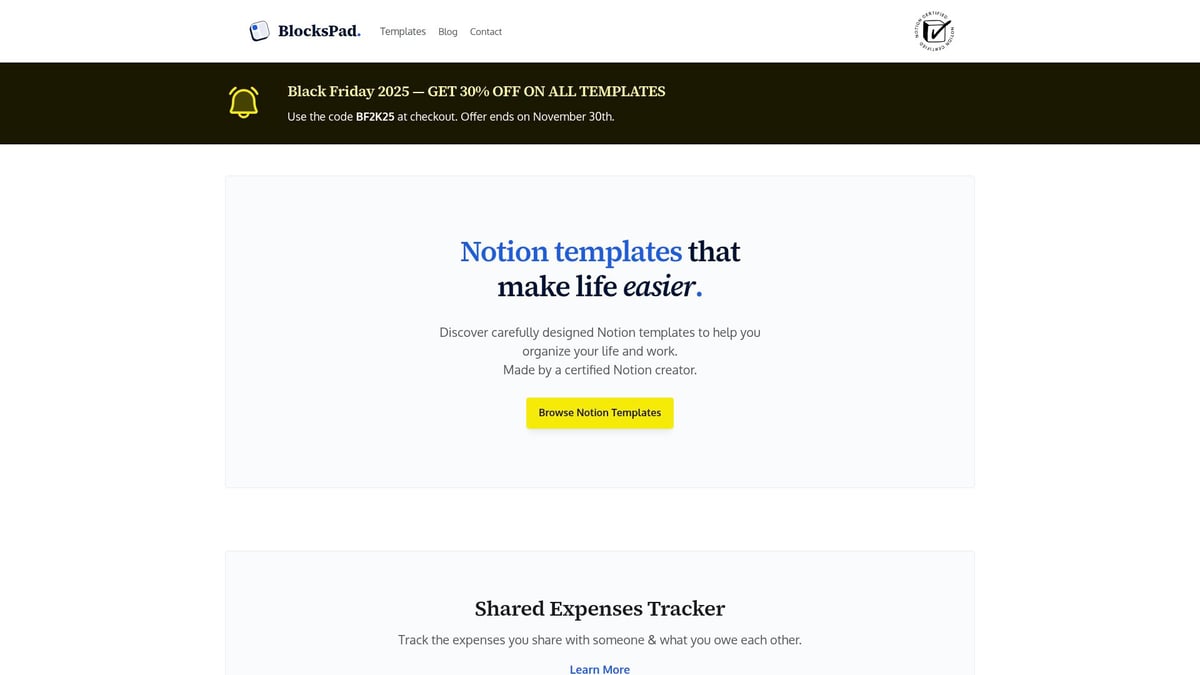
Pricing: Sold individually, with student and Black Friday discounts.
Key Features: Task management, project timelines, meeting notes, goal tracking, Notion integration.
Benefits: Certified Notion creator, customizable layouts, user-friendly, direct support.
Professionals and students benefit from the visual, flexible design. The template is highly customizable, ensuring it adapts to various workflows. However, new Notion users may face a learning curve.
Want to maximize your Notion workflow? Discover practical strategies in How to use Notion templates.
2. ClickUp Work Planner Template
ClickUp’s template is a robust solution among work planner templates, delivering a comprehensive set of features for dynamic teams. With task lists, Gantt charts, time tracking, and integration with tools like Slack and Google Drive, it’s designed for collaboration and efficiency.
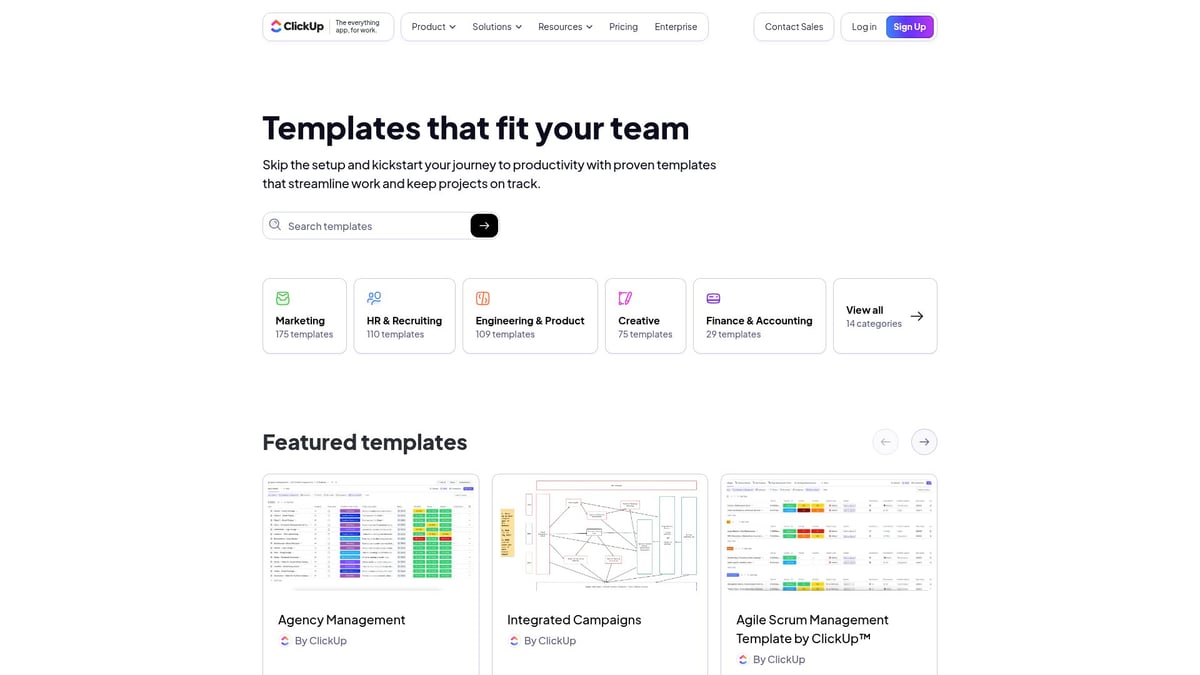
Pricing: Free and paid plans, starting at $5/user/month.
Key Features: Task lists, Gantt charts, time tracking, automation.
Benefits: All-in-one platform, real-time collaboration, automation.
Ideal for teams and project managers, ClickUp scales well for large projects. Some advanced features require a subscription, and solo users might find the platform overwhelming. The automation and integrations help reduce repetitive work, making it a top choice for work planner templates.
3. Trello Daily Work Planner
Trello’s Daily Work Planner is favored for its visual approach to organizing tasks. This work planner template uses Kanban boards, checklists, due dates, and Power-Ups for integration, appealing to visual thinkers and freelancers.
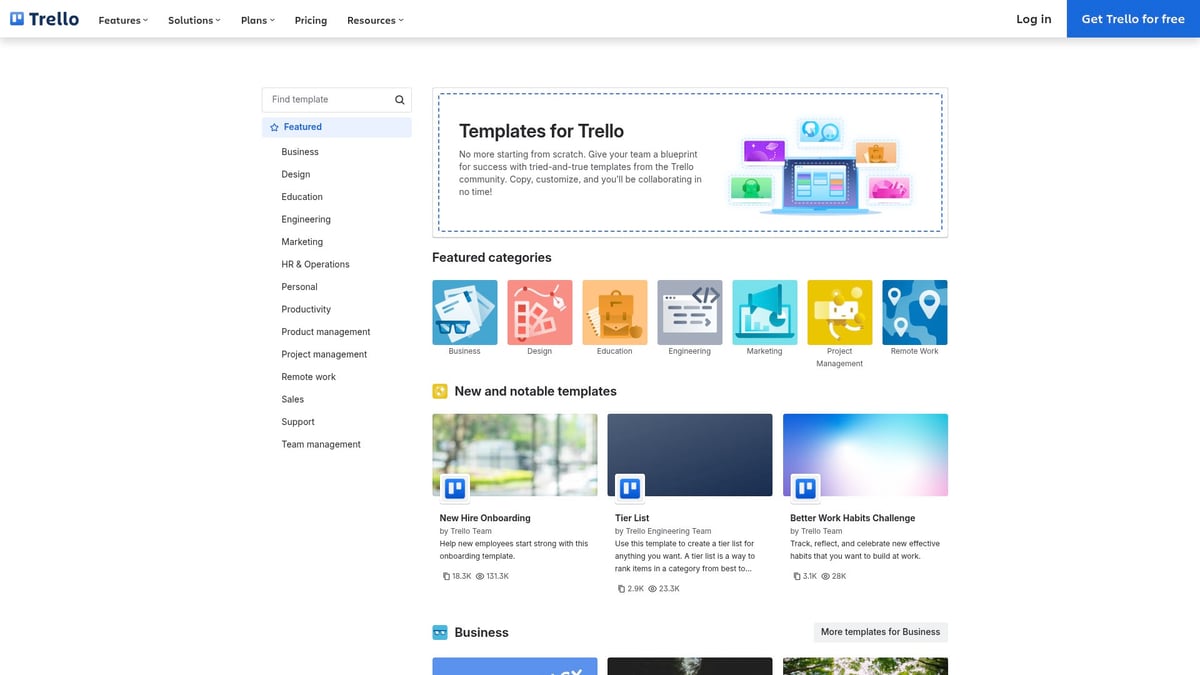
Pricing: Free basic plan, Business Class from $10/user/month.
Key Features: Kanban boards, checklists, due dates, integrations.
Benefits: Visual workflow, drag-and-drop, strong mobile app.
Trello’s interface is intuitive, supporting quick setup and flexibility. While the free plan covers basic needs, Power-Ups may be necessary for advanced use. Its visual style makes it one of the most approachable work planner templates.
4. Asana Weekly Work Schedule Template
Asana’s Weekly Work Schedule Template excels in managing recurring tasks and team schedules. This template within the range of work planner templates features calendar views, automated reminders, and workload management.
Pricing: Free for basic use, Premium from $10.99/user/month.
Key Features: Weekly schedules, recurring tasks, calendar view.
Benefits: Clear visibility, easy scheduling, automated reminders.
Teams and managers use this template to coordinate projects and ensure accountability. The user-friendly interface supports recurring workflows, but premium features unlock advanced analytics. Asana remains a strong contender in work planner templates for teams seeking structure.
5. Google Sheets Project Planner Template
For those who prefer simplicity and universal access, Google Sheets offers a versatile project planner. Among work planner templates, it stands out for being free and highly customizable.
Pricing: Free with a Google account.
Key Features: Customizable spreadsheets, conditional formatting, collaboration.
Benefits: Universally accessible, easy sharing, real-time updates.
Teams and individuals can edit together, track progress, and visualize tasks. However, automation is limited and manual setup is required. Google Sheets remains a practical choice for budget-conscious users needing basic work planner templates.
6. Monday.com Work Planning Template
Monday.com’s template provides a visually engaging and scalable platform for work planning. This entry in the work planner templates category features custom boards, automation, time tracking, and dashboards.
Pricing: Basic plan starts at $8/seat/month.
Key Features: Custom boards, automation, dashboards, analytics.
Benefits: Highly visual, scalable, strong automation.
Enterprises and agencies appreciate Monday.com for its robust reporting and workflow customization. It can be overwhelming for small teams, and costs may rise with scale. Its automation and analytics capabilities make it a leader among work planner templates.
7. Evernote Work Planner Template
Evernote’s Work Planner Template is designed for note-taking, task lists, and reminders. As one of the more personal-focused work planner templates, it excels in individual productivity.
Pricing: Free basic plan, Premium from $7.99/month.
Key Features: Notes, task lists, reminders, attachments.
Benefits: Personal productivity, cross-device sync, strong search.
Writers, researchers, and individuals benefit from its versatility and easy search. However, it lacks robust project management features, making it less suitable for teams. For solo professionals, Evernote is still a trusted name in work planner templates.
8. Smartsheet Project Tracking Template
Smartsheet offers enterprise-grade project tracking within its work planner templates. With grid, Gantt, and calendar views, plus automation and reporting, it’s built for large teams.
Pricing: Pro plan from $7/user/month.
Key Features: Grid, Gantt, calendar views, automation, reporting.
Benefits: Powerful analytics, scalable, strong support.
Project managers and enterprises value Smartsheet’s robust analytics and workflow automation. The platform’s learning curve and cost may deter smaller teams. For those seeking advanced work planner templates, Smartsheet delivers comprehensive functionality.
9. Todoist Productivity Planner
Todoist’s Productivity Planner is a lightweight option among work planner templates, focusing on task management and productivity tracking. With a simple interface and cross-platform support, it suits individuals and freelancers.
Pricing: Free basic plan, Pro from $4/month.
Key Features: Task lists, priorities, recurring tasks, productivity tracking.
Benefits: Easy start, mobile-friendly, gamified productivity.
Users appreciate its simplicity, mobile access, and gamified productivity visualization. Advanced project management features are limited, but for straightforward daily planning, Todoist is a popular choice for digital work planner templates.
How to Choose the Right Work Planner Template for Your Needs
Selecting the ideal work planner templates can transform your approach to daily tasks and long-term goals. With so many options available, it is important to break down your needs and examine what features align best with your workflow. The following guide will help you navigate the process of choosing the most effective template for your unique situation.
Assessing Your Workflow and Productivity Goals
Begin by evaluating your daily routines and long-term objectives. Are you managing complex projects, coordinating with a team, or juggling multiple deadlines? Understanding your core needs helps you narrow down suitable work planner templates.
Consider these factors:
Primary tasks: Are you tracking projects, meetings, or individual to-dos?
Team structure: Are you collaborating with others or working solo?
Work environment: Is your team remote, hybrid, or in-office?
By identifying these elements, you ensure your chosen work planner templates align with your actual workflow, not just aspirational features.
Key Criteria for Selection
When comparing work planner templates, focus on customizability and scalability. Does the template adapt as your team grows or as your workload shifts? Explore user interface preferences, such as visual boards versus list-based layouts, and prioritize what feels intuitive.
Key criteria to consider:
Integration: Can the template connect with email, calendar, and communication tools?
Automation: Does it offer recurring tasks or reminders to reduce manual work?
Reporting: Are analytics and progress tracking available?
These features help you select work planner templates that not only fit your current needs but also support future growth.
Budget and Pricing Considerations
Pricing can vary widely among work planner templates. Start by reviewing free options, which often provide essential features without cost. Paid templates typically unlock advanced capabilities, such as automation or in-depth analytics.
Compare pricing models:
Template Type | Cost | Notable Features |
|---|---|---|
Free | $0 | Basic task tracking |
Subscription | $4–$12/month | Automation, integrations |
One-time purchase | Varies | Custom layouts, support |
Take advantage of student discounts or seasonal offers. Balancing cost with functionality ensures your investment in work planner templates delivers real value.
Real-World Examples and Use Cases
Practical examples can guide your decision. A startup shifting to a collaborative template saw a 40 percent improvement in sprint delivery. Freelancers have streamlined client communication using customizable digital planners.
Platforms like Notion empower users to tailor templates for specific industries and workflows. To explore how to maximize these capabilities, see this guide on Using Notion for work organization.
Reviewing these cases demonstrates how work planner templates can solve distinct challenges across roles and sectors.
Common Mistakes to Avoid
Avoid common pitfalls when adopting new work planner templates. Overcomplicating your workflow with too many features can hinder productivity. Always gather team input to ensure buy-in and a smoother transition.
Key mistakes to watch for:
Ignoring updates or support resources
Failing to align templates with actual workflows
Overlooking the importance of regular reviews
By staying mindful of these issues, you can maximize the benefits of your chosen work planner templates and foster long-term adoption.
Maximizing Productivity with Work Planner Templates: Best Practices for 2026
Adopting work planner templates can transform your workflow, but success depends on more than just the tool itself. Implementing these templates with intention, structure, and adaptability is crucial for sustained productivity gains. By following best practices, you ensure your team gets the most out of every planning session.
Setting Up for Success: Onboarding and Training
Effective onboarding is essential when introducing new work planner templates. Begin by providing clear documentation and interactive tutorials tailored to your team's needs. Schedule walkthroughs to showcase template features, emphasizing how these tools align with daily tasks.
Offer ongoing support channels, such as Q&A sessions or a dedicated help desk, to address challenges as they arise. Encourage feedback during the onboarding phase to identify gaps in understanding or usability. Investing time in comprehensive training increases adoption rates and helps users get comfortable with work planner templates from the start.
Customizing Templates for Unique Workflows
No two teams work the same way, so adjust work planner templates to mirror your processes and branding. Modify layouts to reflect priorities, rename fields for clarity, and incorporate visual elements that resonate with your culture.
Leverage automation features to eliminate repetitive manual steps, saving time on routine updates. For advanced customization ideas, explore resources like Notion templates for business productivity, which offer inspiration and practical examples. By tailoring templates, you make them more intuitive and relevant for every user.
Leveraging Data and Analytics
Modern work planner templates often come equipped with analytics dashboards and progress tracking tools. Use these features to monitor key performance indicators, such as task completion rates, project milestones, and overall productivity trends.
Set measurable goals within your templates, and regularly review analytics to identify bottlenecks or areas for improvement. Visualizing progress not only motivates teams but also provides actionable insights for decision-making. The data-driven approach ensures work planner templates contribute directly to better outcomes and higher efficiency.
Maintaining Consistency and Accountability
Consistency is the backbone of an organized workflow. Establish routines for updating and reviewing work planner templates daily and weekly. Assign clear roles and responsibilities to ensure everyone knows their tasks and deadlines.
Use built-in reminders and notifications to keep teams aligned and reduce the risk of missed steps. Accountability structures, such as shared checklists and progress reports, foster transparency and trust. Consistent use of work planner templates reinforces habits that drive long-term productivity.
Staying Flexible and Iterative
Business needs evolve, and your planning tools should too. Regularly review your work planner templates, gathering feedback from users to pinpoint areas for enhancement. Update templates to incorporate new features, integrations, or processes as they become available.
Stay open to experimentation, testing different layouts or automation options to discover what works best for your team. Adaptability ensures that work planner templates remain a valuable asset as your organization grows and changes.
Real-World Productivity Gains
Teams that fully embrace work planner templates often report transformative results. For example, a marketing department reduced meeting times by 25 percent by adopting automated agenda templates. According to recent studies, 68 percent of professionals experience a measurable boost in focus when using digital planners.
Encourage your team to share success stories and productivity wins. Documenting these achievements reinforces the benefits of work planner templates and inspires others to optimize their workflows.
Tips for Long-Term Adoption and Success
Sustained productivity requires more than initial enthusiasm. Foster a culture of continuous improvement by encouraging regular template reviews and updates. Participate in community forums and explore template marketplaces for fresh ideas and enhancements.
Promote open communication about what works and what needs adjustment. By prioritizing engagement and maintaining a proactive approach, your organization can maximize the value of work planner templates well into the future.
Future Trends in Work Planning and Template Design
The landscape for work planner templates is advancing quickly as organizations adapt to new demands. In 2026, AI-powered planners are transforming the way professionals approach task management by offering intelligent suggestions and optimizing schedules in real time.
Integration with virtual assistants and voice commands is also becoming standard, enabling users to update work planner templates hands-free. These features boost efficiency and allow for seamless task management across devices. As remote and hybrid work models persist, digital planning tools are being designed to support holistic work experiences.
A notable trend is the focus on mental wellness and work-life balance. Modern work planner templates are adopting minimalist layouts and features that encourage mindful planning, reducing cognitive overload. According to Gartner, over 80% of knowledge workers are expected to rely on digital planning templates by 2027.
To stay ahead, organizations are reimagining their approach to planning and collaboration. For deeper insights into how workplace models are evolving, explore Future Workplace Trends, which examines the strategies shaping tomorrow’s productivity tools.
After exploring how work planner templates can truly transform the way you manage your time and goals in 2026, you might be wondering where to find the right tools for your needs. If you value organization, customization, and a seamless experience across devices, it’s worth taking a closer look at what Notion templates have to offer. Created by a certified Notion expert, BlocksPad’s templates are thoughtfully designed to help you streamline your workflow—whether you’re a student, a freelancer, or part of a busy team. Ready to make your workdays more productive and less stressful?
Discover Notion Templates