Essential Guide to Notion for Work: Master Productivity in 2025
Master Notion for work in 2025 with our essential guide. Explore setup tips, AI features integrations and best practices to boost your team’s productivity.
The way we work has changed dramatically, and productivity tools are evolving just as quickly. In 2025, teams and professionals are turning to Notion for work as their central hub, embracing its rapid growth and transformative power.
Managing projects, tasks, and information across hybrid and fast-paced environments can be overwhelming. Notion for work stands out as the all-in-one solution, streamlining everything from organization to automation.
This guide is designed to help you master Notion for work by breaking down its core features, setup process, advanced AI tools, integrations, best practices, and what’s ahead. Get ready to unlock the full potential of your workflow with Notion for work.
Why Notion Is the Ultimate Productivity Hub in 2025
The landscape of productivity tools has transformed dramatically, and notion for work now stands at the forefront in 2025. Teams and professionals seek unified platforms that streamline collaboration and eliminate friction. Notion’s journey from a simple note-taking app to a comprehensive workspace has redefined how organizations operate and innovate.
Evolution of Notion: From Note-Taking to All-in-One Workspace
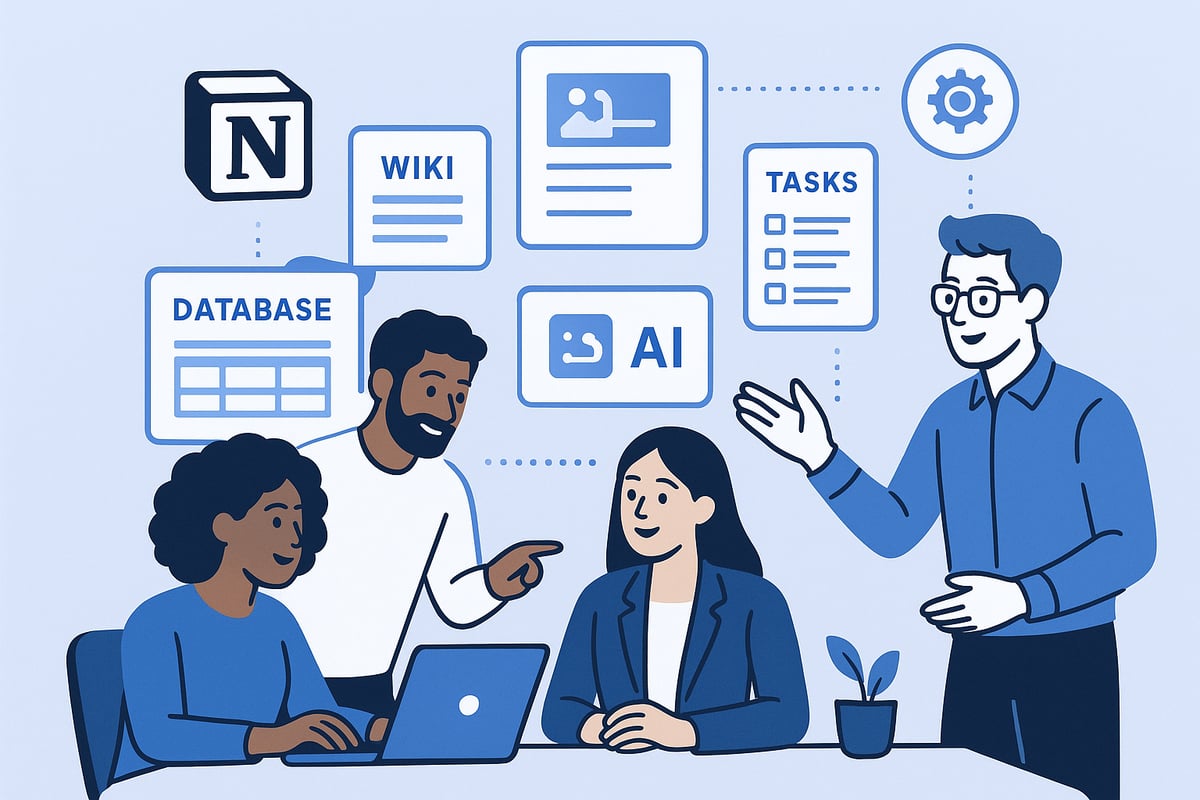
Notion’s rise began with its flexible note-taking features, but it quickly evolved into a platform that integrates databases, wikis, documents, and project management tools. This shift allowed teams to move away from fragmented apps, creating a single source of truth for all work. In 2025, Notion’s adaptability powers everything from daily task tracking to complex product launches. Companies like OpenAI and Vercel have embraced notion for work, leveraging its modular structure to accelerate growth and collaboration. Recent milestones, including the launch of Notion’s AI Agent and significant revenue growth, highlight its transformation into a true productivity hub.
Key Benefits for Modern Teams and Professionals
The core advantage of notion for work lies in its ability to centralize knowledge, tasks, and workflows. By reducing the need for multiple disconnected tools, teams experience less cognitive overload and greater clarity. Collaboration becomes seamless as information, discussions, and decisions are tracked in one place. Leading organizations report increased transparency and faster project cycles thanks to Notion’s integrated environment. Whether managing cross-functional projects or onboarding new employees, the unified workspace model delivers measurable improvements in productivity and morale.
Notion’s Core Features Powering Productivity
Notion for work offers a robust feature set tailored for modern business needs. Teams can build unlimited docs, maintain a living knowledge base, manage projects with kanban boards or timelines, and even publish internal sites. The visual, customizable databases enable tracking everything from sales pipelines to content calendars. Collaborative features such as comments, mentions, and real-time editing keep everyone aligned. Notion adapts to any workflow, making it a foundational tool for organizations of all sizes.
The Role of AI in Next-Gen Productivity
In 2025, AI is deeply embedded in notion for work, enabling automation and smarter information access. Notion AI powers features like AI Meeting Notes, which automatically transcribe and summarize discussions, and Enterprise Search, which connects data across Notion and external apps. Research Mode drafts reports by pulling from both internal and web sources, reducing manual effort. Compared to standalone AI tools, Notion’s AI is fully context-aware, leveraging workspace data and workflows for more relevant insights and actions.
Data and Trends
The adoption of notion for work has surged, with over 20 million users and growing enterprise interest. AI integration is cited as the number one business challenge, yet Notion’s automation tools help teams overcome this hurdle. Surveys show that teams save hours each week by automating repetitive tasks within Notion. As more organizations prioritize centralized collaboration and AI-powered processes, Notion’s influence continues to expand, setting the standard for productivity in the digital workplace.
Getting Started: Setting Up Notion for Work Success
Embarking on your journey with Notion for work can transform the way your team organizes projects and information. Proper setup is key to unlocking its full potential. This section will guide you through essential steps, ensuring your workspace is secure, structured, and tailored for optimal productivity.
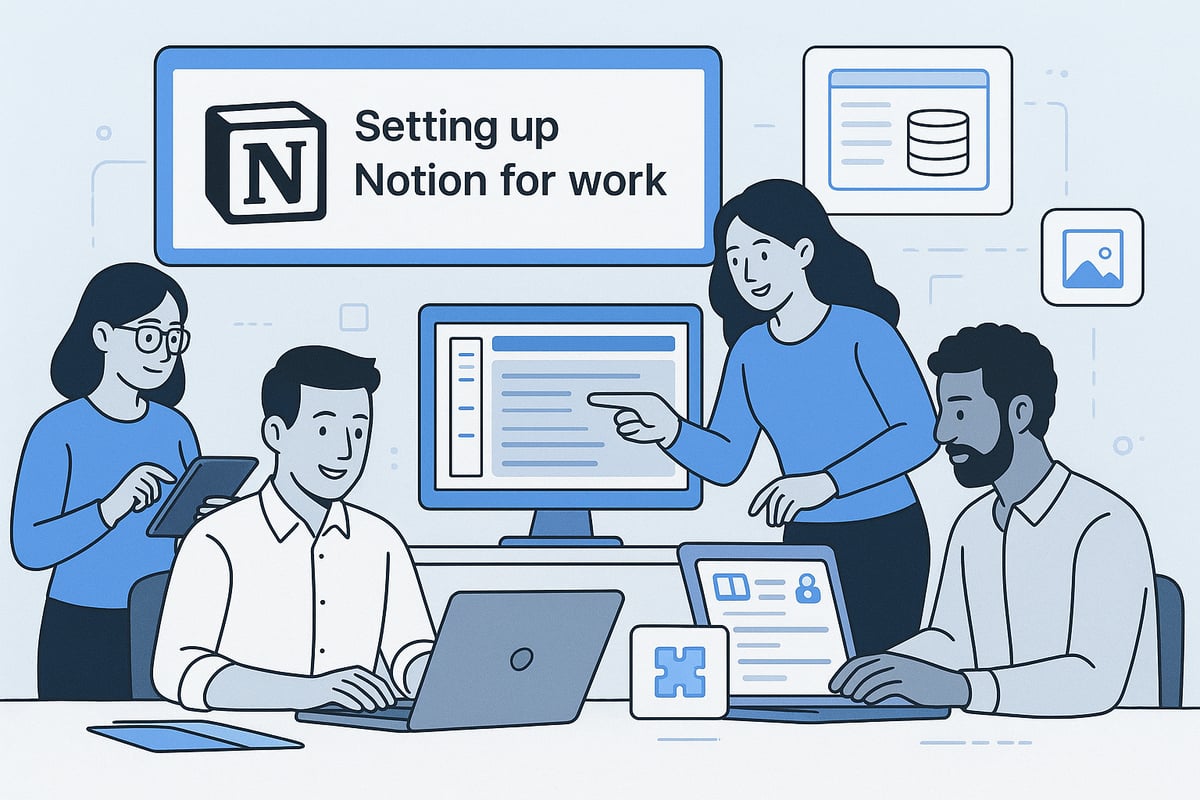
Step 1: Creating and Structuring Your Workspace
Start by signing up for Notion, choosing a plan that fits your needs—individual, team, or enterprise. Review the available features and select the tier that aligns with your organization’s scale and security requirements.
Set up your workspace by naming it clearly and creating teamspaces for different departments or teams. Assign permissions carefully, ensuring only the right people access sensitive information.
A well-structured workspace is the foundation for efficient collaboration and seamless scaling as your team grows.
Step 2: Building Your First Pages and Databases
Once your workspace is in place, begin creating pages for projects, wikis, and documentation. Notion for work offers a variety of built-in templates to help you get started quickly. Explore these templates to find layouts that match your workflow, or customize them as needed.
Familiarize yourself with blocks—the building units of Notion—such as text, tables, boards, calendars, and galleries. Use these to construct versatile databases for task tracking, knowledge bases, or meeting notes. For more practical setup strategies, consider referencing How to Use Notion Effectively to ensure your first pages are both functional and scalable.
Starting with organized pages and databases sets the stage for streamlined information management.
Step 3: Customizing for Your Workflow
Tailor Notion for work to reflect your unique processes. Adjust database properties, create custom views, and apply filters to surface relevant information for different team roles.
For example, build a CRM database for sales, a content calendar for marketing, or a sprint board for product development. Leverage linked databases to connect information across teams, providing a holistic view of ongoing work.
Customization empowers your team to work smarter, not harder, by aligning the platform with real business needs.
Step 4: Onboarding Your Team
Invite team members to your Notion for work setup, assigning roles and access levels based on responsibilities. Use clear guidelines for onboarding—offer short walkthroughs, share best practices, and provide resources for self-paced learning.
Maintain workspace hygiene by encouraging consistent naming conventions and regular cleanups. This helps new members find information quickly and ensures everyone is aligned on workflows.
Effective onboarding accelerates adoption and fosters a collaborative culture from day one.
Step 5: Essential Settings and Security
Prioritize security as you finalize your Notion for work environment. Enable two-factor authentication for all users and schedule regular workspace backups to prevent data loss.
Manage integrations and API access carefully, connecting only trusted tools needed for daily operations. Review Notion’s compliance settings to meet your organization’s privacy requirements, especially if handling sensitive or regulated data.
A secure and well-maintained setup gives peace of mind and supports long-term productivity.
Mastering Notion’s Advanced Features and AI Tools
Unlocking the full power of Notion for work means diving deep into its advanced features and AI-driven capabilities. Modern teams need more than just a digital notebook—they demand a productivity hub that transforms raw information into actionable insights. Let us explore how Notion’s latest innovations are setting new standards for efficiency in 2025.

AI Meeting Notes: Never Miss an Insight Again
Staying on top of meetings is a challenge for any professional using Notion for work. Notion’s AI Meeting Notes feature automatically transcribes conversations, summarizes key points, and extracts action items. By connecting your Notion Calendar, you ensure every meeting is documented without manual effort.
Imagine starting a team meeting with the /AI Meeting Notes block. The AI instantly captures the discussion and highlights decisions and next steps. All notes are stored in a searchable archive, making it easy to review what was discussed weeks later.
Teams using AI Meeting Notes report a 30 percent drop in missed action items. For a closer look at these features, see the Notion 2.51 Release: AI Meeting Notes and Enterprise Search. This advancement is a game changer for anyone relying on Notion for work to maintain project momentum.
Workflow Example:
Schedule meeting in Notion Calendar.
Use
/AI Meeting Notesblock to start recording.Share AI-generated notes with your team instantly.
Enterprise Search: Find Anything, Instantly
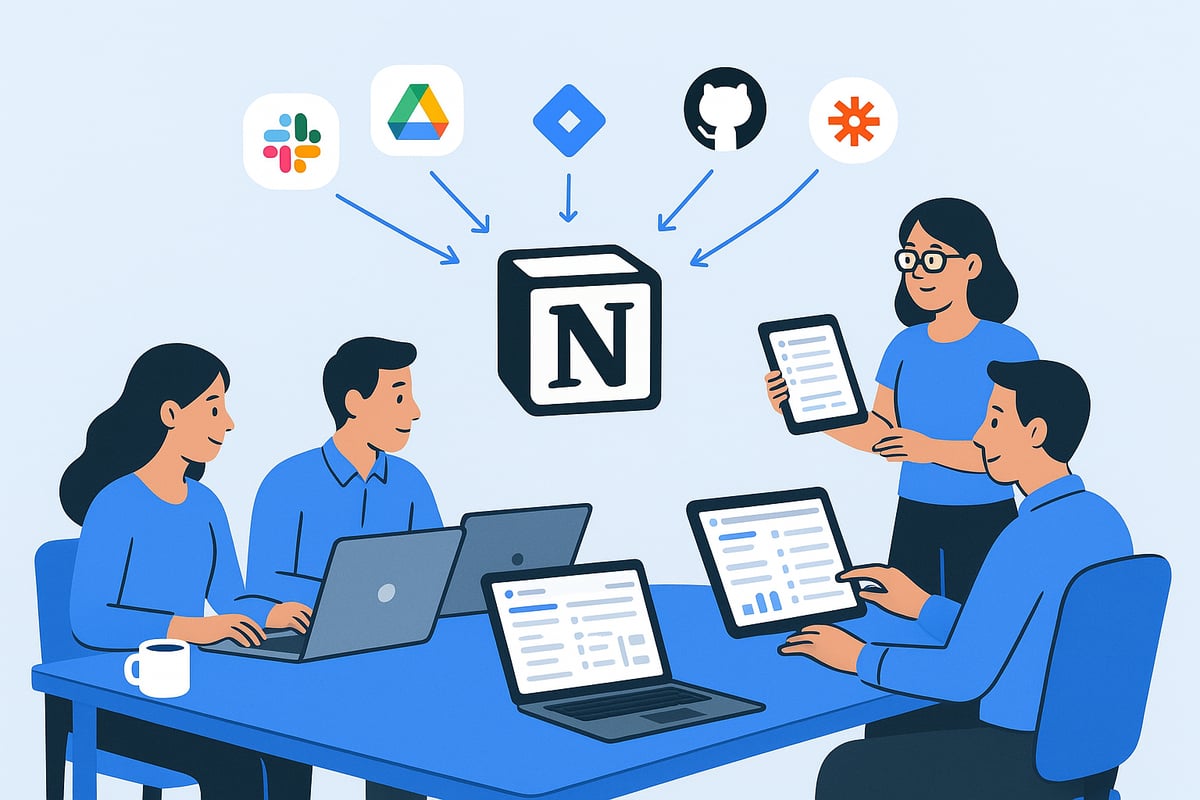
Searching for information across multiple tools can slow down even the most productive teams using Notion for work. Enterprise Search solves this by letting you search Notion and all connected apps—Slack, Google Drive, Jira, GitHub—from a single interface.
Need to find the latest product launch update? Just type your query and get results from every workspace, document, and conversation. Open-ended queries such as “What’s the latest on our product launch?” deliver precise, context-rich answers.
Popular Connectors:
Google Drive
Linear
Slack
This unified search makes Notion for work the central hub for all your knowledge, reducing time wasted on context switching and boosting overall productivity.
Research Mode: Your AI-Powered Research Assistant
Research Mode in Notion for work transforms how teams draft documents and reports. With one click, the AI gathers insights from internal pages and trusted web sources, organizing them into a detailed draft.
Picture creating a competitor analysis. Instead of spending days collecting data, Research Mode compiles everything in minutes. You can quickly edit, add context, and share the finished product with your team.
Use Cases:
Project update memos
Industry research reports
Best practices documentation
Teams report saving hours every week. The AI ensures every summary in Notion for work is accurate, current, and easy to digest.
Multi-Model AI Chat and Automation
Notion for work now gives you direct access to leading AI models, including OpenAI and Anthropic, within the workspace. No extra subscriptions are required. The unified “Home” tab brings all AI tools together for seamless workflow integration.
Automate repetitive writing, translation, and brainstorming tasks. For example, use a prompt to generate a blog outline or translate meeting notes instantly.
This level of automation means Notion for work adapts to your workflow, not the other way around.
Security, Privacy, and Compliance in Notion AI
Security is paramount when adopting Notion for work, especially with sensitive business data. By default, Notion AI does not train on your data. EU data-residency options and legal hold features help meet strict compliance requirements.
Key Practices:
Enable two-factor authentication
Regularly review access permissions
Use workspace backups
Notion for work offers transparency, privacy, and peace of mind, making it suitable for teams in regulated industries.
Integrating Notion with Your Work Ecosystem
Navigating the modern workplace means connecting tools, automating workflows, and keeping information in sync. Notion for work stands out by serving as a central hub, making integration with your broader work ecosystem seamless and intuitive.
Connecting Notion to Your Favorite Tools
One of the biggest strengths of Notion for work is its robust integrations marketplace. Teams can link Notion with essential platforms to streamline daily operations and keep everything accessible in one place.
Popular integrations include:
Slack for instant updates and notifications
Google Workspace for document management
Jira and GitHub for software development tracking
Workflow automation is also possible using tools like Zapier and Make, allowing you to connect Notion for work with hundreds of apps. For teams wanting to visualize and organize projects efficiently, Notion Dashboard Templates for Teams offer a practical starting point that integrates seamlessly with your favorite tools.
Embedding and Importing Content
Bringing all your resources together in Notion for work boosts productivity and reduces information scatter. You can embed files, videos, and external content directly into Notion pages, making them more interactive and useful.
The Web Clipper browser extension lets you save articles, research, or inspiration from anywhere on the web into Notion for work. Importing from legacy tools like Trello, Evernote, or Google Docs is straightforward, ensuring a smooth transition for teams adopting Notion for work.
Using Notion on Every Device
Flexibility is crucial for modern teams. Notion for work meets this need with native apps for Mac, Windows, iOS, and Android. The web app ensures cross-platform accessibility, so everyone stays connected whether at the office or remote.
A real-world example: teams can sync tasks and meeting notes across devices, ensuring that updates in Notion for work are immediately reflected for all members, regardless of location. This multi-device support keeps productivity high and collaboration smooth.
API and Custom Automation
For advanced users, Notion for work offers powerful API capabilities. Developers can build custom integrations to automate reporting, update CRM records, or create tailored dashboards.
Common use cases include:
Automated generation of weekly reports
Real-time CRM updates based on project status
Custom dashboards combining data from multiple sources
Getting started is straightforward, with thorough documentation and resources available to help teams unlock the full automation potential of Notion for work.
Best Practices for Boosting Productivity with Notion
Unlocking the full potential of notion for work means more than just knowing the features. It requires a thoughtful approach to workflows, collaboration, and organization. By following proven strategies, teams and professionals can streamline their daily operations and maximize output.
Building Effective Workflows and Templates
Establishing repeatable workflows is crucial when using notion for work. Start by designing database templates for recurring processes like projects, meeting notes, or OKRs. Templates save time and ensure consistency, especially as your workspace grows.
Visual organization is equally important. Dashboards, kanban boards, and calendar views help teams quickly see priorities and upcoming deadlines. Leverage Notion’s template gallery or explore Best Practices for Notion Templates to optimize your setup.
A well-structured workspace built on solid templates sets the foundation for productivity gains in notion for work.
Collaboration and Communication in Notion
Effective collaboration is at the heart of notion for work. Use real-time editing, comments, and mentions to keep everyone in sync. Assign tasks, share feedback, and clarify questions directly within pages to eliminate the need for endless email threads.
Granular sharing options allow you to provide access to specific pages for internal or external stakeholders. This flexibility is ideal for cross-departmental projects or client-facing documentation.
With seamless communication tools, teams can manage projects, brainstorm ideas, and track progress all in one place. Notion for work fosters transparency and alignment, ensuring nothing falls through the cracks.
Maintaining Workspace Hygiene and Organization
Keeping your notion for work environment clean is essential as your team grows. Establish naming conventions for pages and databases, making it easy to find information. Schedule regular workspace audits to archive outdated content and prevent clutter.
Organize your knowledge base with clear hierarchies and tags. This approach supports the Notion Second Brain Method, transforming Notion into a powerful system for capturing and retrieving knowledge.
Consistent maintenance prevents information sprawl and allows your notion for work setup to scale smoothly alongside your organization.
Measuring and Improving Productivity
Tracking results is key to realizing the benefits of notion for work. Use Notion’s built-in analytics to monitor workspace engagement and content usage. Integrate goal tracking and visualize progress with charts or dashboards.
Case studies show that teams using these features often achieve faster project completion and improved accountability. Regularly review your workflows to identify bottlenecks and opportunities for automation, ensuring ongoing productivity improvements in notion for work.
Troubleshooting Common Pitfalls
Even experienced users can face challenges with notion for work. Avoid overcomplicating your workspace—keep structures simple and scalable. Ensure team buy-in by providing clear onboarding and ongoing training.
Some troubleshooting tips:
Simplify databases and pages when possible.
Standardize permissions for security and clarity.
Review integrations to prevent duplicate or outdated information.
Prioritize data security while maintaining accessibility. By addressing these common pitfalls proactively, you ensure your notion for work environment remains efficient and user-friendly.
The Future of Notion for Work: Trends and Innovations in 2025
The landscape of productivity is rapidly transforming, and Notion for work stands at the forefront of this evolution. As we look ahead to 2025, several groundbreaking trends and innovations are reshaping how teams collaborate, automate, and secure their information. Let us explore the future of Notion for work and what it means for modern organizations.
AI-Driven Workspaces and Automation
AI is becoming the backbone of Notion for work, with intelligent automation and predictive analytics leading the charge. In 2025, users can expect smarter task suggestions, automated project tracking, and AI-powered agents handling routine operations directly within their workspace.
The introduction of workflow bots and multi-model AI chat makes it easier for teams to automate repetitive tasks and gain actionable insights. For a detailed look at how these innovations are transforming productivity, read the Notion AI Review 2025: Features and Workflow Tests.
Evolving Collaboration and Remote Work Support
The future of Notion for work is all about bridging the gap between distributed teams and fostering seamless communication. Enhanced real-time editing tools, instant notifications, and advanced comment threads ensure everyone stays aligned, no matter where they are.
New asynchronous collaboration features, such as scheduled page publishing and threaded discussions, provide flexibility for global teams. This empowers organizations to maintain productivity without sacrificing work-life balance.
Security, Compliance, and Data Sovereignty
Security and compliance remain top priorities for Notion for work, especially as enterprises demand robust controls. Expanded compliance features, including region-specific data residency and customizable privacy settings, are becoming standard for regulated industries.
Notion is also introducing more granular permission management and legal hold capabilities to meet evolving enterprise requirements. For more on how these changes may affect your organization, review Notion's 2025 Pricing Changes Explained.
Community, Templates, and Marketplace Growth
The Notion for work ecosystem is thriving as the community develops new templates, integrations, and workflow solutions. A growing marketplace allows creators and businesses to share and monetize innovative tools, streamlining onboarding and boosting productivity for all users.
This collaborative spirit drives continuous improvement, with teams adopting best-in-class templates for everything from project management to onboarding processes.
Staying Ahead: Continuous Learning and Adoption
To fully leverage Notion for work in 2025, ongoing training and upskilling are essential. Resources like Notion Academy, interactive webinars, and vibrant community forums provide users with the knowledge needed to master new features.
By committing to continuous learning, organizations ensure they stay ahead of industry trends and maximize the value of their Notion for work investment.
As you explore the possibilities of mastering Notion for work in 2025, it is clear that having the right tools and structure can make all the difference in your productivity. Whether you are building out your first workspace or optimizing advanced workflows, starting with a well-designed template can save you hours and guide you toward best practices. I encourage you to take the next step by exploring expertly crafted resources designed specifically for your needs. If you are ready to organize your projects, streamline your day, and achieve more, Discover Notion Templates that can help you get started quickly and confidently.