How to Use Notion Effectively: The Essential 2025 Guide
Master how to use notion effectively in 2025 with expert tips, workflows, and strategies to boost productivity, collaborate, and customize your workspace.
In 2025, Notion stands out as the productivity tool of choice for millions worldwide. Its flexibility and intuitive design have transformed how people organize information and manage tasks, both at work and in their personal lives.
This essential guide will show you how to use notion effectively, turning scattered notes and endless to-do lists into a streamlined system. Whether you are a student, entrepreneur, or team leader, you will find actionable strategies and expert insights here.
Get ready to unlock Notion’s core features, master advanced workflows, and discover practical tips to boost your productivity starting today.
Understanding Notion’s Core Features
Unlocking how to use notion effectively starts with mastering its core features. Notion’s appeal lies in its versatility, intuitive structure, and the way it adapts to different productivity needs. Whether you are a student, entrepreneur, or project manager, understanding Notion’s foundations is the first step to transforming your workflow.
What is Notion and Why is it Popular?
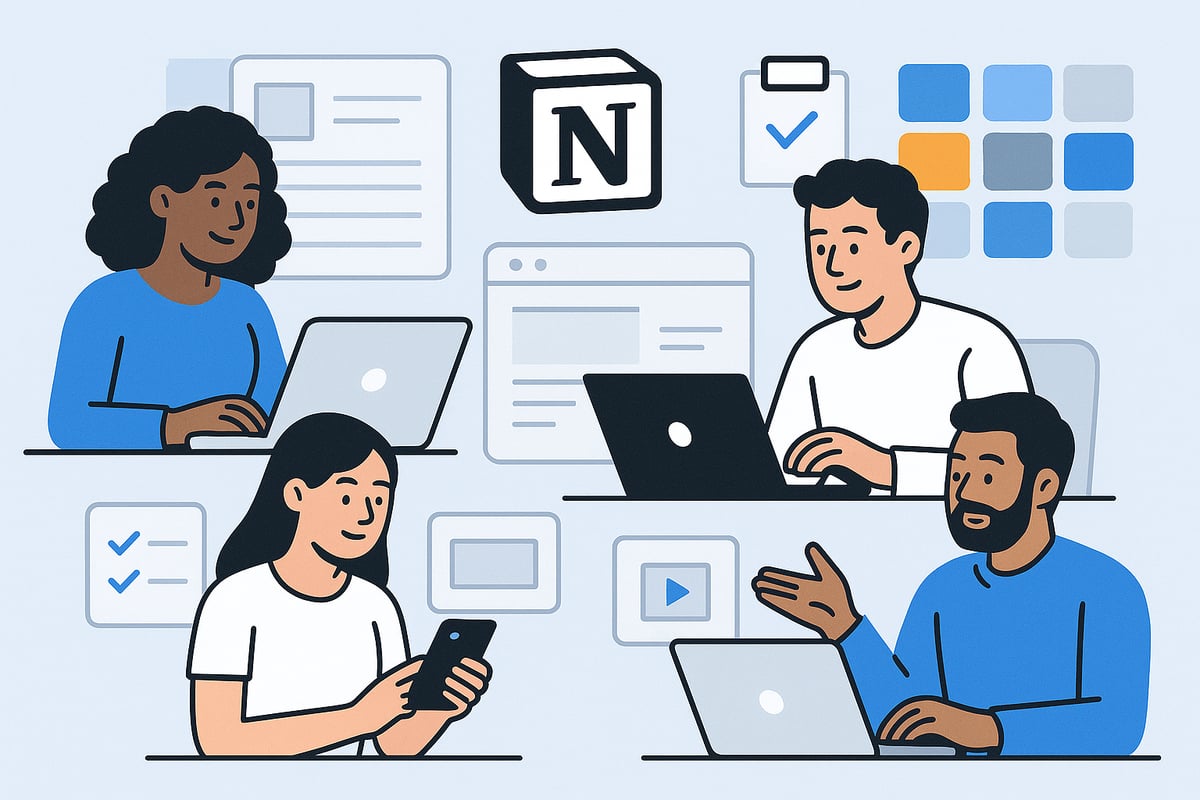
Notion is an all-in-one workspace designed to centralize notes, tasks, databases, and collaboration. With over 30 million users in 2024, it has outpaced traditional tools like Evernote and Trello by offering unmatched flexibility.
Unlike single-purpose apps, Notion combines text editing, project tracking, and knowledge management under one roof. This means you can handle personal goals, academic schedules, and business operations in the same environment. For example, a startup team can coordinate product launches, while a student organizes class notes and assignments, both using Notion as their central hub. Learning how to use notion effectively starts with recognizing its unique position in the productivity landscape.
Key Components: Pages, Databases, and Blocks
At the heart of how to use notion effectively is its modular structure. Everything in Notion is built from blocks, which are the basic units for content and organization.
Types of blocks include:
Text
To-do lists
Databases
Embeds (e.g., videos, PDFs)
Media (images, files)
Pages are containers for organizing these blocks, while databases let you structure and analyze information. You can link databases and pages to manage complex projects. Imagine using a database to track project tasks and deadlines, then nesting it within a main project page for easy navigation. This modularity empowers users to tailor Notion to any workflow.
Templates and Their Importance
Templates are essential for anyone learning how to use notion effectively. Notion offers both built-in and community-created templates, streamlining setup and ensuring consistency. According to surveys, 65 percent of users rely on templates to accelerate their workflow.
Templates save time by providing ready-made structures for planners, trackers, and knowledge bases. For instance, a weekly planner template helps students organize assignments and deadlines without starting from scratch. For practical guidance, you can explore How to Use Notion Templates to discover strategies for leveraging templates to boost productivity.
Notion’s Cross-Platform Accessibility
A key element of how to use notion effectively is its seamless cross-platform experience. Notion is available on desktop, web, and mobile, ensuring your workspace is always within reach.
Real-time sync keeps your data updated across devices, making collaboration effortless. Offline mode allows you to stay productive even without internet access. For example, you can start drafting ideas on your phone during a commute, then continue refining them on your laptop at home. This flexibility ensures that your workflow remains uninterrupted, no matter where you are.
Setting Up Notion for Maximum Productivity
Getting started with Notion is the first step toward transforming your workflow. A well-organized setup unlocks the full power of this tool, making it easier to focus, plan, and execute. If you want to learn how to use notion effectively from day one, follow these essential steps to establish a productive workspace.

Creating Your First Workspace and Pages
To begin, sign up for a Notion account and select a workspace name. Once inside, start by creating your main pages, such as a personal dashboard, project tracker, or reading list. Structuring your initial workspace thoughtfully is key if you want to learn how to use notion effectively.
For example, set up a personal dashboard as your home base. This central page can link out to other areas, like tasks or goals. Start simple, then expand as your needs grow.
Organizing Content: Nested Pages, Tags, and Databases
A clear structure makes information easy to find. Use nested pages to group related content, such as separating work, study, and personal life. Tags in databases are powerful for filtering and searching, making it simple to surface relevant notes or projects.
Databases help maintain order as your workspace grows. If you are searching for how to use notion effectively, remember to keep your system intuitive. Regularly review and reorganize to ensure everything stays accessible.
Customizing Views: Boards, Tables, Calendars, and Lists
Notion’s databases offer multiple views for different needs. Use boards for Kanban-style project tracking, tables for detailed records, calendars for scheduling, and lists for simple task management.
Choose the view that best fits your workflow. For example, a Kanban board is perfect for visualizing project stages. Understanding how to use notion effectively means adapting these views to match your daily tasks and long-term goals.
Essential Integrations for Enhanced Workflow
Boost productivity by connecting Notion with your favorite apps. Integrate Google Calendar for scheduling, Slack for team communication, and Zapier for automating repetitive tasks.
These integrations help streamline your day and reduce manual work. If you want to master how to use notion effectively, explore which integrations align with your routine, such as auto-syncing meetings or sending reminders directly to your workspace.
Tips for Personalization and Aesthetic Appeal
Make your workspace inviting by adding custom icons, covers, and color schemes. Embed widgets for weather, quotes, or timers to keep motivation high. Personal touches can make your dashboard both functional and inspiring.
For more advanced customization ideas and to ensure you are leveraging best practices on how to use notion effectively, explore resources like the Notion Dashboard Templates Guide. This will help you design a setup that is both beautiful and highly efficient.
Advanced Workflows and Automation in Notion
Unlocking advanced workflows is key when you want to master how to use notion effectively. By leveraging Notion’s robust automation, database capabilities, and AI-powered features, users can build powerful solutions for every need. Whether managing projects or automating tasks, these strategies elevate your productivity to the next level.
Building Complex Databases and Relations
To truly understand how to use notion effectively, start by mastering complex databases and relational links. Notion allows you to create linked databases, connecting information across projects, clients, or content types. For example, a CRM system can link clients to projects, making updates and reporting seamless.
Common use cases include sales tracking, inventory management, and content planning. Here’s a quick table to visualize:
Use Case | Linked Databases Example |
|---|---|
CRM | Clients ↔ Projects |
Inventory | Products ↔ Suppliers |
Content Planning | Articles ↔ Authors |
With relations, you consolidate data, reduce duplication, and ensure a single source of truth.
Mastering Filters, Formulas, and Rollups
If you want to know how to use notion effectively for data analysis, filters, formulas, and rollups are essential. Filters allow you to display only relevant entries, such as tasks due this week. Formulas can calculate totals, deadlines, or automate status updates. Rollups pull related data from linked databases, such as summarizing all tasks linked to a project. This approach delivers instant insights and eliminates manual tracking.
Automating Repetitive Tasks with Notion and Third-Party Tools
Learning how to use notion effectively means reducing manual work with smart automation. Notion supports integrations with platforms like Zapier and Make, enabling you to automate reminders, recurring tasks, or data entry.
For example, set up a Zapier workflow to auto-archive completed projects or sync meeting notes from Google Calendar. These automations streamline your process, freeing up time for higher-value work.
Embedding and Integrating External Content
Integrating external resources is a core part of how to use notion effectively. You can embed Google Docs, Figma designs, or Loom videos directly within Notion pages. This keeps all project materials in one place, boosting team collaboration.
Try embedding a project roadmap or design prototype. This approach centralizes feedback and ensures everyone accesses the latest information, minimizing confusion and version issues.
Utilizing Notion AI for Enhanced Productivity
To fully realize how to use notion effectively in 2025, leverage Notion AI’s advanced features. Notion AI can generate summaries, extract action items, and draft content, saving hours of manual effort. For example, use AI to automate meeting notes, turning raw transcripts into actionable summaries.
For a deep dive into how these capabilities transform workflows, see this Notion AI Review 2025: Features, Pricing & Workflow Tests. Integrating AI with your daily routines accelerates project delivery and reduces cognitive load.
BlocksPad: Premium Templates for Notion Users
When exploring how to use notion effectively, don’t overlook premium templates. BlocksPad offers expertly crafted templates for expense tracking, travel planning, and meal organization. These templates are designed by certified creators and follow best practices.
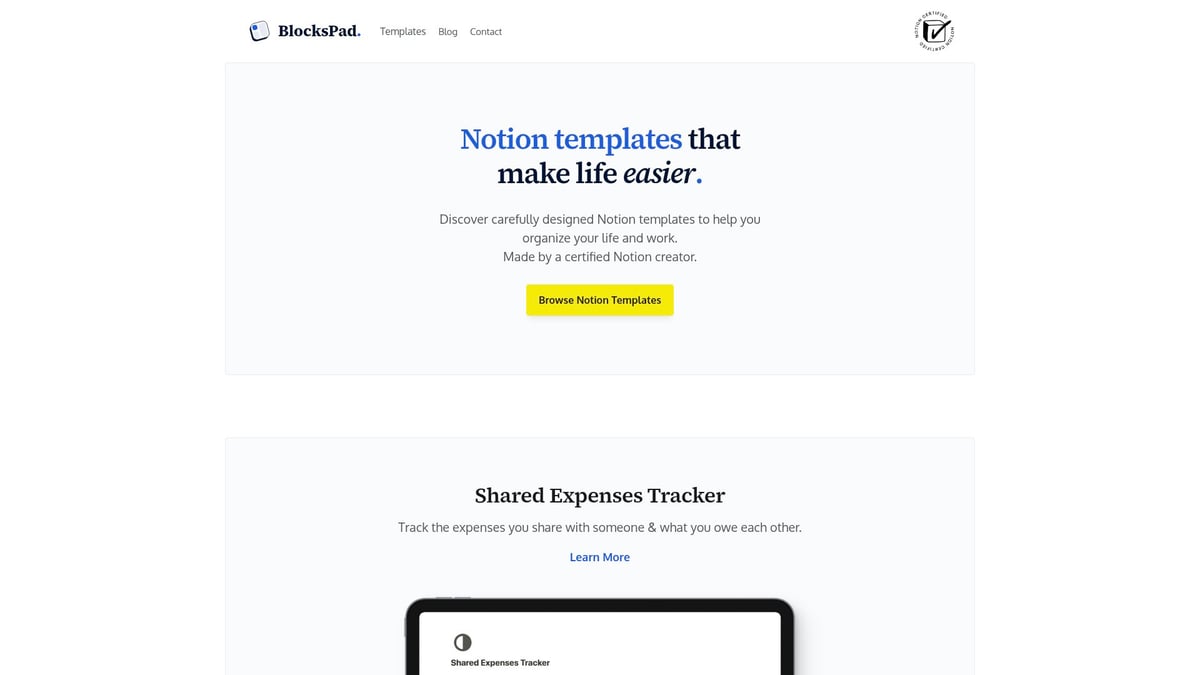
For instance, the Shared Expenses Tracker template simplifies finances, allowing two users to collaborate transparently. Students can also enjoy discounts, making professional-grade organization accessible to everyone.
Collaboration and Sharing in Notion
Unlocking the full power of Notion means mastering collaborative features. Learning how to use notion effectively in team settings ensures seamless communication, organized projects, and secure information sharing.
Setting Permissions and Sharing Workspaces
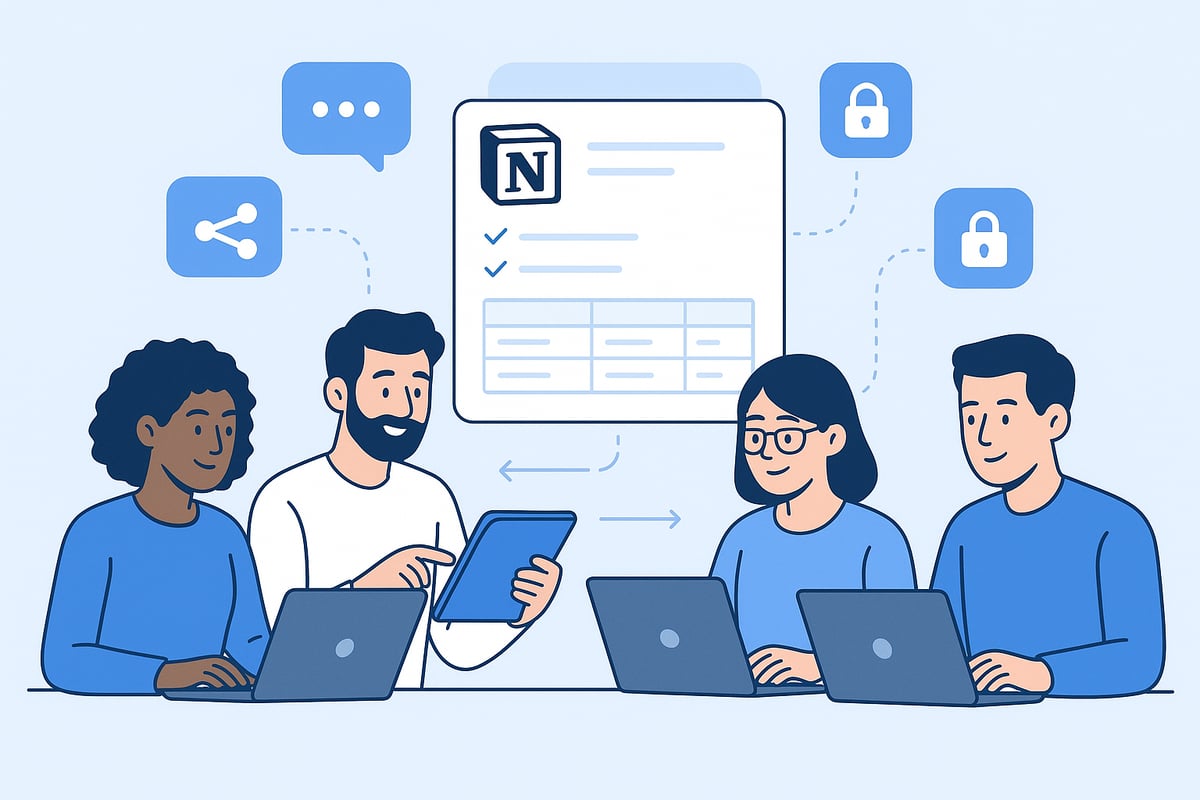
Understanding how to use notion effectively begins with knowing how to share your workspace securely. Notion allows you to grant access at the workspace, page, or database level, tailoring permissions for each collaborator.
You can assign roles such as "view," "comment," or "edit" to control who can interact with your content. For example, you might share a project plan with teammates, giving them editing rights while restricting sensitive pages to view-only.
Permissions Table
Role | Can View | Can Comment | Can Edit |
|---|---|---|---|
Viewer | Yes | No | No |
Comment | Yes | Yes | No |
Editor | Yes | Yes | Yes |
Setting the right permissions is a cornerstone of how to use notion effectively for both privacy and productivity.
Real-Time Collaboration Features
One major reason teams choose Notion is its robust real-time collaboration. Multiple users can edit the same page simultaneously, with changes appearing instantly. Features like inline comments, @mentions, and activity tracking streamline team discussions.
When considering how to use notion effectively, take advantage of live editing for brainstorming sessions or document reviews. Notifications help keep everyone aligned, while mentions ensure feedback reaches the right person.
Imagine a team brainstorming session in Notion where ideas are captured live, comments clarify points, and everyone sees updates as they happen. This immediacy fosters engagement and productive teamwork.
Managing Teams and Projects in Notion
Organizing your team in Notion is crucial to managing complex projects. Structure team workspaces by department or project, assign tasks directly, and track progress using shared boards or tables.
If you're seeking guidance on how to use notion effectively for project planning, the Notion Planner Setup Advice article offers practical steps to streamline workflows. Assign responsibilities, set deadlines, and visualize progress in an editorial calendar or project dashboard.
For example, a content team can manage an editorial calendar, track assignments, and monitor status updates—all in one workspace. This clarity keeps projects on schedule and teams accountable.
Using Notion for Remote Work and Knowledge Management
Remote work thrives when information is centralized and accessible. Notion's all-in-one workspace makes it easy to store documentation, standard operating procedures, and onboarding materials for distributed teams.
To learn how to use notion effectively in a remote environment, build a company wiki or knowledge base. This central hub ensures everyone has access to policies, guides, and best practices, regardless of location.
A well-maintained knowledge base accelerates onboarding, reduces redundant questions, and supports consistent processes across your organization.
Common Collaboration Pitfalls and Solutions
Even with powerful tools, collaboration can falter if not managed carefully. Common pitfalls include over-sharing sensitive content, permission mismanagement, and losing track of updates.
To address these, regularly audit permissions, establish clear naming conventions, and educate your team on workspace structure. Version control is essential for avoiding data loss or confusion.
Staying proactive is key to how to use notion effectively in collaborative settings. With regular reviews and clear guidelines, your team can avoid common mistakes and maintain a secure, organized workspace.
Customization, Security, and Best Practices for 2025
Notion’s flexibility is one of its greatest strengths, enabling users to tailor it to their unique needs. Whether you are a student, professional, or entrepreneur, mastering how to use notion effectively means adapting its modular system to fit your daily routines. Personal dashboards, business CRMs, and academic planners all start with the same building blocks but evolve through thoughtful customization.
If you are a student, leveraging resources like the Notion Student Dashboard Tips can help you discover practical templates and layouts for academic success. For businesses, creating interconnected databases and automated workflows ensures teams stay aligned. The true benefit lies in Notion’s ability to mold itself around your workflow, not the other way around.
Customizing Notion for Unique Workflows
To truly understand how to use notion effectively, begin by identifying your core needs. Notion’s modular design allows you to create tailored solutions, whether you need a student planner or a business CRM. For example, students can organize assignments, notes, and revision schedules in one place, while businesses may design complex sales pipelines.
Leverage built-in templates or explore community resources for inspiration. The Notion Student Dashboard Tips article offers actionable advice for setting up a productive academic workspace. Remember, customization is about making Notion work for you, not the other way around.
Ensuring Data Security and Privacy
Security is essential when considering how to use notion effectively, especially for sensitive or confidential information. Notion employs encryption, secure access controls, and regular security updates to protect data across devices. Users should always enable two-factor authentication and use strong, unique passwords.
Conduct regular workspace audits to review permissions and ensure only authorized individuals can access critical information. For those managing client data, create dedicated databases with restricted access to maintain privacy. These practices help safeguard both personal and professional data within Notion.
Staying Organized with Maintenance Routines
Maintaining an organized workspace is crucial to how to use notion effectively. Over time, databases can become cluttered with outdated tasks, duplicated pages, or irrelevant files. Establish a regular routine to archive old content, clean up databases, and back up essential information.
A simple monthly checklist can include reviewing shared permissions, updating tags, and consolidating duplicate entries. Version control, such as duplicating important pages before major edits, adds another layer of protection. Consistent maintenance keeps your workspace streamlined and efficient.
Keeping Up with Notion Updates and Community Trends
Staying informed about Notion’s latest features is key to understanding how to use notion effectively as the platform evolves. Notion frequently releases new updates, such as advanced AI capabilities highlighted in the Notion 3.0: Agents Release Notes, which can dramatically improve productivity.
Engage with the Notion community through forums and social channels to discover emerging templates and workflows. Adopting trending practices ensures you benefit from the collective experience of millions of users. Keeping up with updates helps you leverage Notion’s full potential.
Expert Tips and Mistakes to Avoid in 2025
Even experienced users can overlook how to use notion effectively by overcomplicating their setup or neglecting structure. Avoid creating too many nested pages or redundant databases, which can hinder navigation. Instead, use templates and keyboard shortcuts to streamline repetitive tasks.
Common mistakes include inconsistent naming conventions and failing to audit permissions. To save time, start with proven templates rather than building from scratch. These expert tips will help you maintain a productive, efficient, and secure Notion workspace.
Now that you’ve explored how to set up Notion for maximum productivity, personalize your workspace, and unlock advanced workflows, you might be wondering how to put it all into action seamlessly. One of the best ways to get started is by using expertly designed templates that save you time and help you stay organized right away. Whether you’re managing expenses, planning a trip, or streamlining your daily routine, having the right template makes the process effortless. If you’d like to see what’s possible, I encourage you to Discover Notion Templates and find the perfect fit for your goals.