Notion Create Template Guide: Step-by-Step for 2025
Master Notion create template with this 2025 step by step guide Learn to plan build customize and share powerful templates to streamline your workflow
Imagine a world where every project, plan, or idea finds its place in seconds, all with a single click. In 2025, Notion templates are transforming how students, professionals, and creators organize their digital lives, making clutter a thing of the past.
This guide is your roadmap to mastering the notion create template process. You will learn how to streamline your workflows, save valuable time, and boost efficiency, no matter your field or goal.
Discover the essentials of Notion templates, from planning and building to customization, publishing, and sharing. Whether you want to create habit trackers, project dashboards, or launch planners, this step-by-step guide will empower you to design templates tailored to your needs.
Curious to unlock the full potential of your digital workspace? Start here and let this notion create template guide transform the way you work and organize in 2025.
Understanding Notion Templates: What, Why, and Who
Unlocking the full power of Notion in 2025 starts with understanding how templates work, why they matter, and who stands to benefit most. Whether you are a student, professional, or creator, mastering the notion create template process can transform your daily workflow.
What Are Notion Templates?
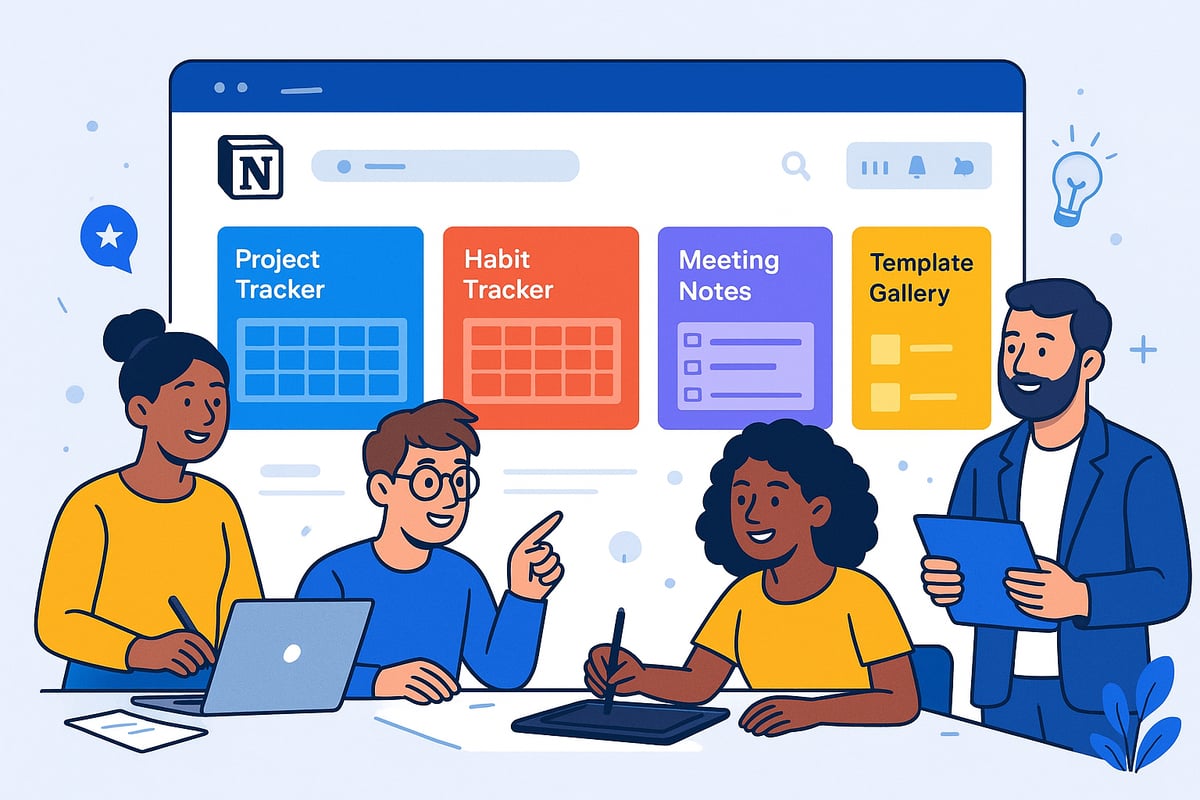
Notion templates are reusable page or database layouts designed to simplify your workflow. When you use the notion create template feature, you build a structure that can be duplicated for any recurring need.
Templates function as pre-built systems. You can instantly create new project trackers, meeting notes, or habit trackers without starting from scratch. Their visual appeal and flexible customization options make them attractive for users at every level.
Notion also offers a built-in template gallery, showcasing a wide range of ready-to-use layouts for everything from personal planning to business management.
Why Create Notion Templates in 2025?
The demand for digital efficiency is higher than ever, and the notion create template process is a key response. Templates save time by providing reusable structures and ensure consistency across projects or teams.
As more people seek out ready-to-use digital tools, Notion templates have become sought-after commodities. Many creators now earn passive income by selling their templates online.
With Notion's user base expanding rapidly and its template marketplace growing, there has never been a better time to design and share your own templates.
Who Benefits Most from Notion Templates?
A wide range of users can take advantage of the notion create template approach. Students rely on templates for assignment tracking and study schedules. Freelancers use them for client proposals and invoices.
Professionals manage complex projects and dashboards, while creators plan content calendars and product launches. According to recent competitor articles, Notion's popularity among individuals and businesses continues to surge.
The flexibility of templates means anyone can streamline their workflow and boost productivity.
Exploring Existing Notion Templates
Accessing Notion’s Template Gallery is a great starting point for inspiration. Browse by categories such as productivity, business, or education to find templates that match your needs.
Duplicating and customizing templates is simple. You can select a template, copy it to your workspace, and tweak it for your own workflow. Popular templates include project trackers, habit trackers, and meeting planners.
For practical guidance on using, duplicating, and adapting these resources, see this How to Use Notion Templates guide. Pro tip: Use existing templates as a springboard for your own notion create template journey.
Planning Your Notion Template: Laying the Foundation
Before diving into the build process, strategic planning is crucial for anyone aiming to master the notion create template process. Laying a solid foundation ensures your template is not only functional but also resonates with your intended audience.
Identifying Your Template’s Purpose and Audience
Start by pinpointing the specific organizational challenge your notion create template will address. Are you helping users track expenses, plan trips, or manage projects? Understanding your audience is key—students might need assignment trackers, while professionals could benefit from project dashboards.
Researching competitors is essential. Explore how others solve similar problems and identify gaps in the market. Gathering direct feedback from your community, such as polling followers or team members, can reveal unmet needs. For business-focused audiences, consider reviewing resources like the Notion Templates for Business guide to ensure your notion create template aligns with current demands.
Outlining Template Structure and Content
Once you know the purpose, decide if your notion create template will be a page or a database. Each format serves different needs: pages are great for meeting notes or journals, while databases excel at tracking projects or tasks.
List the essential elements your template should include. This might involve headings, to-do lists, properties, or embedded media. Sketch a wireframe or draft the layout before building in Notion. Focus on intuitive navigation, ensuring users can find what they need quickly. For example, an academic planner might have sections for assignments, deadlines, and notes, while a project roadmap could highlight milestones and deliverables.
Inspiration from Personal and Popular Templates
Look at your current Notion setup for systems you already use effectively. Many successful templates start as personal solutions, later refined for wider use. Analyze popular marketplace examples to see what features drive engagement—pre-filled content, appealing visuals, and helpful instructions are often present.
Check trending ideas, such as a Gilmore Girls-inspired planner from TikTok or top-selling types like budget planners and habit trackers. Use these insights to inform your notion create template, ensuring it stands out while meeting real needs.
Setting Goals and Success Metrics
Define what success looks like for your notion create template. Is it ease of use, number of downloads, or positive user feedback? Set clear metrics, such as aiming to save users at least two hours per week or achieving a certain engagement rate.
Plan for scalability and future updates. If you intend to monetize, consider strategies for sharing or selling your template. Track user interactions and feedback to refine your offering over time. Templates that evolve with user needs consistently outperform static ones, ensuring your notion create template remains valuable and relevant.
Step-by-Step Guide: Creating a Notion Template in 2025
Embarking on the journey to build your own Notion template in 2025 can feel like unlocking a new level of productivity. The notion create template process is more intuitive than ever, allowing anyone to design tools tailored to their exact needs. This guide walks you through each essential step, ensuring you master the skills to streamline your digital workspace.
Step 1: Create a New Page or Database
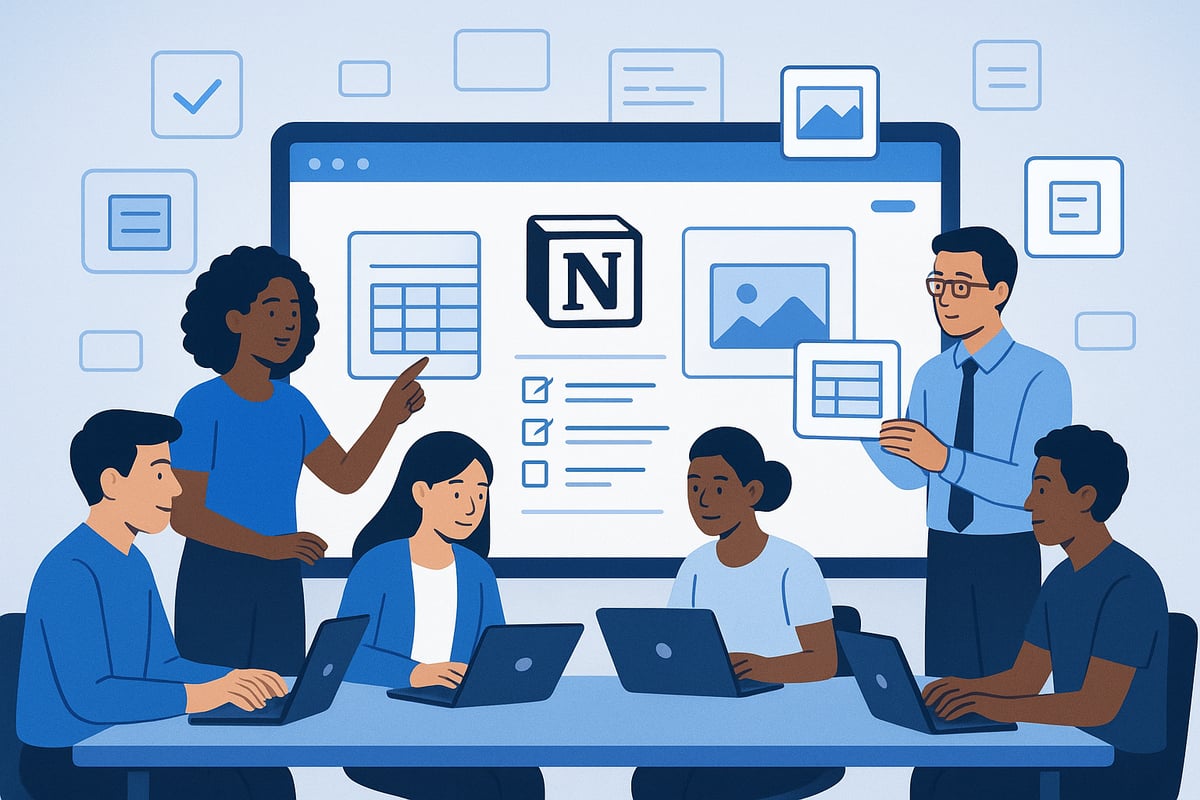
To begin the notion create template process, open Notion and select the “New Page” option from your sidebar. This is your blank canvas. Decide if your template should be a page (ideal for meeting notes or checklists) or a database (perfect for project trackers or content calendars).
If you are unsure which format fits your goal, reflect on your end use. For example, a project tracker benefits from a database, while a brainstorming board works well as a page. Notion’s interface makes switching between formats straightforward.
For additional guidance on this step, refer to the How to Create a Notion Template: A Complete 2025 Step-by-Step Guide. Starting with the right foundation is crucial for a successful notion create template experience.
Step 2: Customize Your Template Layout
Once your page or database is set, the next notion create template step is to design a user-friendly layout. Drag and drop blocks—text, headings, checklists, images, and tables—into place. Organize sections logically, such as “To-Do,” “Notes,” or “Resources.”
Add icons and cover images to give your template visual appeal. Use color coding to differentiate categories or priorities. For instance, a team manager’s meeting notes template might include sections for “Action Items,” “Discussion Points,” and “Follow-Ups,” each color-tagged for clarity.
Make sure your layout looks good on both desktop and mobile devices. Consistent structure enhances usability and encourages repeated use.
Step 3: Add Functional Blocks and Pre-Populated Content
Now, enrich your notion create template by inserting functional blocks. Add to-do lists for task tracking, embed databases for complex data, or place media files for reference. Pre-populate fields that users will fill out often, such as dates, titles, or agendas.
For example, in a meeting template, you could add a pre-filled agenda to save time. This approach minimizes repetitive typing and helps users get started instantly.
Consider using toggles, callouts, or code blocks for added guidance within your template. The more intuitive your template, the higher its adoption rate.
Step 4: Configure Properties and Database Features
If your notion create template is database-based, configuring properties is essential. Add properties like status, priority, tags, and due dates to track information efficiently. Enable different database views, such as table, calendar, or kanban, to suit various workflows.
For instance, a content calendar template might include “Status” (Draft, Scheduled, Published), “Category,” and “Deadline” properties. Filters and sorting options help users focus on what matters most.
Templates with advanced properties and multiple views are often rated higher by users. This customization transforms a basic template into a powerful productivity tool.
Step 5: Test and Refine Your Template
Before sharing your notion create template, test it thoroughly. Run through real-world scenarios, such as planning a trip or managing a project, to identify any pain points. Ask team members or friends to give feedback.
Use their insights to refine your template’s structure, streamline workflows, and clarify instructions. For example, when testing a travel planner, simulate booking flights and accommodations to ensure all sections work as intended.
Iterate until your template feels intuitive and efficient. A well-tested template delivers consistent value to every user.
Step 6: Add Clear Instructions and Documentation
Effective onboarding is a critical aspect of the notion create template process. Embed step-by-step instructions directly within your template using callout blocks or a dedicated “How to Use” section.
Add tooltips or link to external documentation for complex features. Consider including a short video walkthrough or PDF guide if your template has advanced elements.
Clear instructions reduce confusion and boost user satisfaction. Templates with built-in guidance see higher engagement and fewer support requests.
Step 7: Prepare for Duplication and Sharing
Finally, ensure your notion create template is ready for others to use. Activate the “Allow duplicate as template” setting. Adjust sharing permissions so users can duplicate but not edit your original.
Generate a shareable link for distribution. When publishing, use a compelling template name and description to attract interest.
Remember, templates with easy duplication and clear sharing settings are more likely to be adopted widely. Track engagement to measure your template’s impact and inform future improvements.
Advanced Template Features and Customization Techniques
Unlocking advanced features takes your notion create template skills to a professional level. These customization techniques help you automate processes, handle complex data, and provide a richer user experience. Let’s explore how you can elevate your templates for 2025.
Using the Notion Template Button
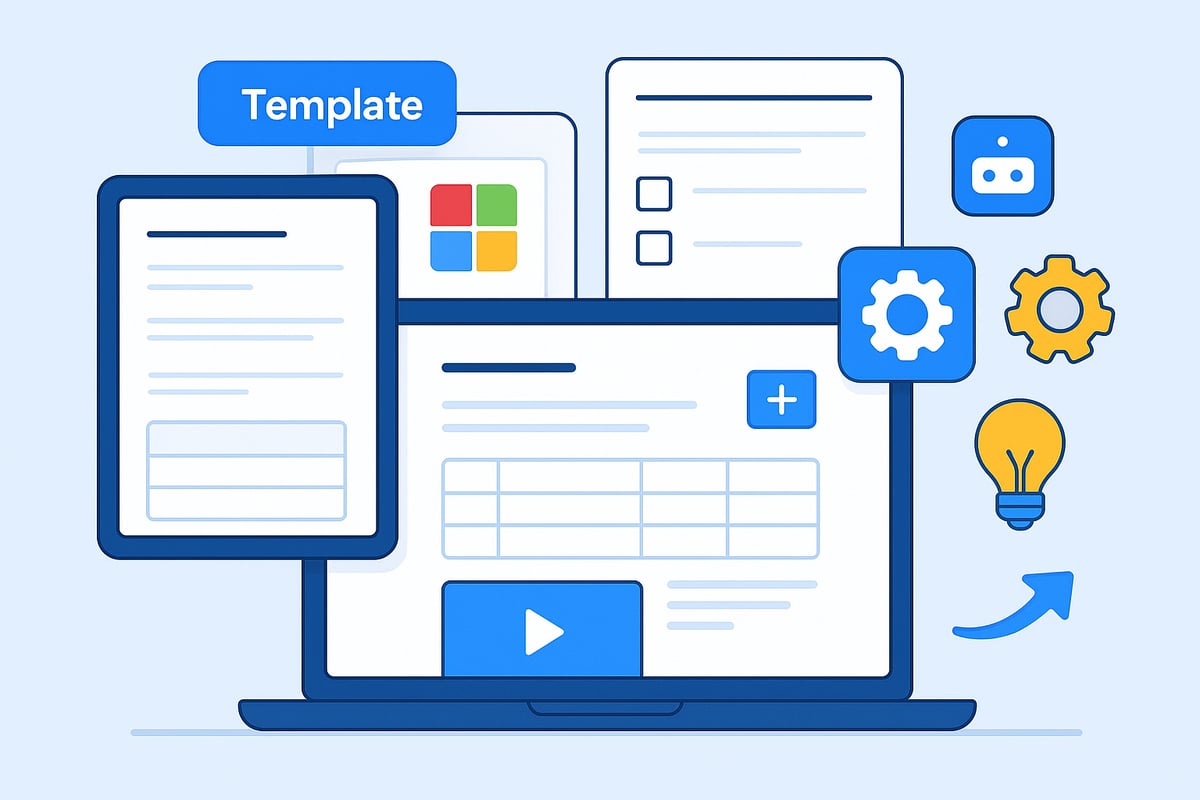
The Template Button is a powerful feature that allows you to automate repeated structures within your notion create template. You can quickly generate new checklists, meeting frameworks, or project outlines with a single click.
For example, add a Template Button to create a new client onboarding checklist each time you start a project. To set it up, insert the button, name it, and add the blocks you want duplicated. This feature is a game changer for recurring tasks.
Use cases include project management, content planning, or lesson templates for education. The Template Button streamlines workflows, saving time and reducing manual effort.
Creating Nested Templates for Complex Workflows
Nested templates let you embed templates within templates, adding layers of organization to any notion create template. This technique is ideal for handling large-scale or multi-step projects.
Imagine a project management template where each project entry contains a nested task template. You could create a CMS system where every blog post uses a standardized sub-template for drafts, images, and SEO checklists.
To build this, create the main template, then add Template Buttons or linked databases inside. Nested templates help break down complex processes into manageable units, improving clarity and collaboration for teams.
Integrating Multimedia and Embeds
Enhancing your notion create template with multimedia brings information to life and increases engagement. Notion supports embedding images, videos, Google Docs, YouTube, Figma, and more.
For instance, a content calendar template can include embedded social media previews or video tutorials right in the workflow. This interactivity helps users stay focused and access resources without leaving Notion.
Studies show that multimedia-rich templates have higher user retention. Experiment with different embed types to make your templates visually appealing and highly functional.
Advanced Database Features: Relations and Rollups
Take your notion create template further with advanced database properties. Relations let you link different databases for dynamic data connections, while rollups aggregate information from related records.
For example, link a project dashboard to a task database and use rollups to calculate task completion rates automatically. Filtering and sorting views help users analyze data efficiently.
If you want to explore dashboard structures and best practices, the Notion Dashboard Templates Guide offers detailed insights and examples. These features automate reporting, provide analytics, and help you build robust, scalable solutions.
Maintaining and Updating Your Template
Sustaining the value of your notion create template requires ongoing maintenance and updates. Version control ensures users always have access to the latest improvements.
Communicate changes through update logs or notifications. Gather user feedback regularly to keep templates relevant and effective. For example, refreshing a planner template each quarter with new layouts or features keeps engagement high.
Consistently updated templates enjoy more long-term use and trust in the Notion community. Prioritize clarity, ease of use, and feedback-driven updates to maximize template lifespan.
Publishing, Sharing, and Selling Your Notion Template
Bringing your notion create template to the world is a rewarding process that can unlock new opportunities. Whether you aim to share knowledge, build a community, or generate passive income, understanding the publishing, sharing, and selling journey is essential.
Publishing and Sharing Best Practices
When you are ready to launch your notion create template, start by configuring your sharing settings. Use Notion’s “Share to Web” feature, set permissions for viewing or duplicating, and always test the duplicate feature to ensure seamless user experience.
A compelling description and clear visuals can set your template apart. Consider listing your template in Notion’s Template Gallery or on your own landing page. For inspiration, explore the Notion Free Templates Overview to see how top creators present their work and maximize downloads.
Templates that include concise onboarding instructions and eye-catching cover images consistently perform better. Always keep your template documentation up to date for user trust.
Submitting to the Notion Template Gallery
Submitting your notion create template to Notion’s official gallery increases visibility and credibility. Begin by generating a public URL for your template and crafting a detailed description that highlights its unique value.
Fill out the submission form on Notion’s website, providing all requested information, including screenshots and a clear explanation of how your template works. The review process typically involves an evaluation of usability, originality, and adherence to guidelines.
Gallery inclusion can drive significant traffic to your notion create template, attracting both individuals and teams. Make sure your submission stands out by emphasizing real-world benefits and ease of use.
Monetizing Your Notion Templates
Monetization is a strong incentive for many creators. Once your notion create template is polished, you can list it on digital marketplaces such as Gumroad, your personal website, or specialized template platforms.
Consider offering free and premium versions to appeal to a broader audience. Use transparent pricing and highlight the return on investment, like time saved or enhanced productivity. Here’s a quick comparison of popular platforms:
Platform | Pros | Considerations |
|---|---|---|
Gumroad | Low fees, easy setup | Needs traffic |
Personal Site | Full control | Requires marketing |
Template Marketplaces | Built-in audience | Platform fees |
Tracking downloads and user feedback helps you refine your notion create template and boost long-term passive income.
Marketing and Growing Your Template Audience
Promoting your notion create template is all about visibility and credibility. Utilize social media platforms, email newsletters, and online communities to showcase your template’s features and user benefits.
Leverage testimonials and user stories to build trust. Collaborate with influencers or educators to reach larger audiences. Creating short video demos or walkthroughs on TikTok or Instagram can drive engagement and inform potential users.
Monitor analytics to understand which marketing channels convert best. Continuous optimization ensures your notion create template reaches and helps more people, turning your expertise into a valuable digital asset.
Now that you’ve seen how to create custom Notion templates step by step, you’re ready to take your organization skills to a whole new level. Whether you’re planning your next big project, tracking expenses, or building a dashboard for your team, having the right template can make all the difference. If you want to see what’s possible and get inspired by expertly crafted layouts, I encourage you to explore the curated collection from BlocksPad—each one designed to save you time and help you stay organized in 2025.
Discover Notion Templates