7 Essential Notion AI Features to Boost Productivity in 2025
Discover 7 essential Notion AI features that streamline workflows, automate tasks and boost productivity in 2025. Unlock smarter, faster team performance today.
AI-powered productivity tools are evolving at a remarkable pace, and Notion AI is setting the standard for digital workspaces in 2025. As organizations seek smarter solutions, the demand for advanced features that boost efficiency and foster creativity has never been higher.
Notion AI features are designed to transform how professionals, students, and teams work every day. By streamlining workflows, automating repetitive tasks, and offering deep contextual insights, Notion AI has become a critical asset for anyone looking to maximize productivity.
In this article, we will explore seven essential Notion AI features that are reshaping digital collaboration. Discover how these tools can save you time, keep your projects organized, and unlock new levels of creativity. Ready to find out which innovations will redefine your productivity in 2025? Let’s get started.
How Notion AI is Transforming Productivity in 2025
Notion has rapidly evolved from a simple note-taking tool into a powerhouse of AI-driven productivity. In 2025, its suite of advanced features is reshaping how individuals and teams manage tasks, knowledge, and projects. Let’s explore how these innovations are setting a new standard for digital workspaces.
The Evolution of Notion AI
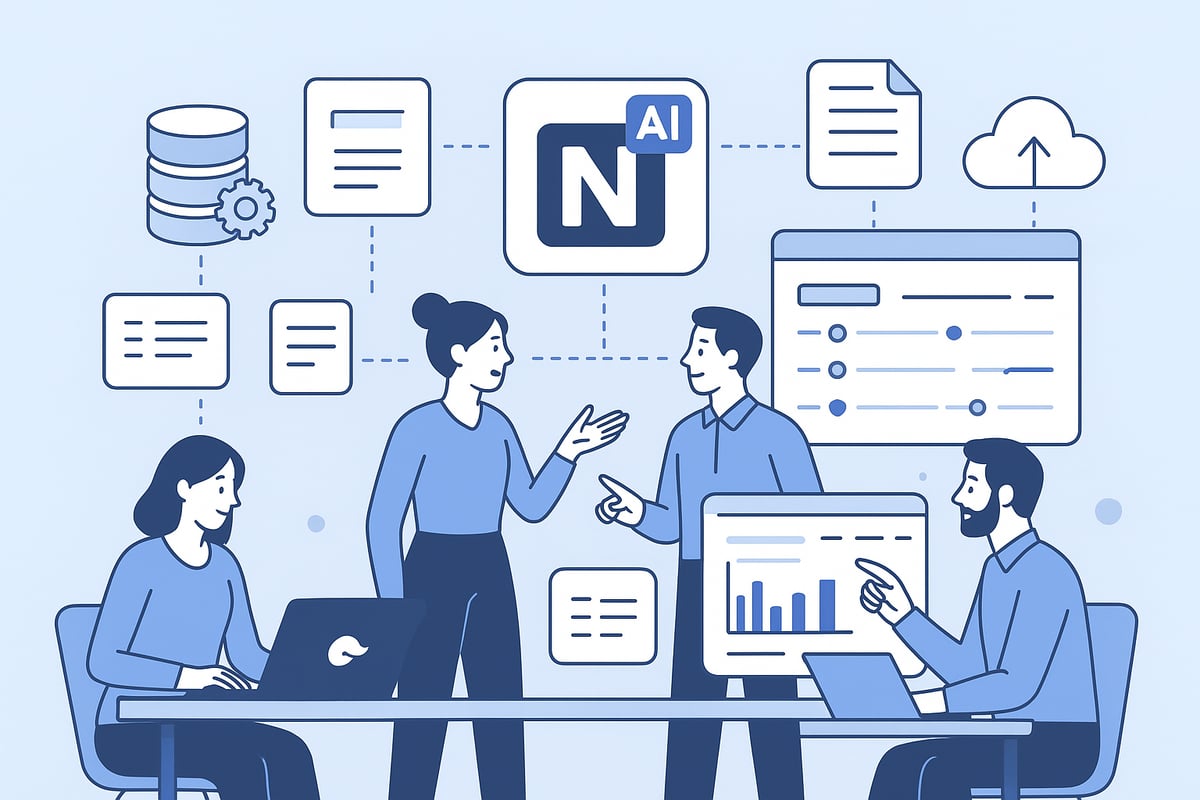
Notion’s journey began as a flexible note-taking app, but its vision soon expanded. By integrating powerful AI models like GPT-4 and Claude, Notion transformed into a comprehensive productivity platform. These upgrades enabled smarter content generation, contextual recommendations, and deep workflow automation.
Unlike standalone AI tools, Notion AI features are woven directly into the workspace. This seamless integration means users don’t have to jump between apps to harness AI capabilities. According to Notion AI's 2025 capabilities, the platform’s latest updates focus on collaboration and workflow efficiency, making it a leader in the competitive landscape.
Deep Integration and Contextual Awareness
A standout advantage of Notion AI features is their contextual awareness. The system analyzes page structure, database relationships, and user activity patterns to offer tailored suggestions. For example, AI might recommend a project template based on recent team initiatives or automatically format reports to match your organization’s branding.
This level of integration ensures that suggestions are not generic, but highly relevant to each workspace. Businesses adopting Notion AI features in 2025 report higher efficiency compared to teams using siloed AI tools. Adoption rates are rising, as more organizations recognize the value of AI that understands their unique workflows.
Impact on Teams and Individuals
Notion AI features are transforming daily operations for both individuals and teams. Routine tasks like meeting summarization, report generation, and task assignment are now automated, freeing up time for creative and strategic work.
Collaboration is also enhanced. Teams can build AI-generated knowledge bases that are kept up to date automatically. For instance, a remote team recently improved onboarding speed by using AI-powered documentation, helping new members ramp up quickly and confidently.
Accessibility and Limitations
Currently, Notion AI features are available on Business and Enterprise plans, with limited trials offered to select users. Privacy and data security remain top priorities, with robust controls that allow users to manage permissions and review AI-generated content before sharing.
Early adopters consistently report improved satisfaction and productivity. Metrics show faster project completion, better information flow, and a reduction in manual, repetitive work. However, users are mindful of the importance of human oversight, especially for sensitive content.
The Future of AI in Digital Workspaces
Looking ahead, AI integration in digital workspaces will only deepen. Notion AI features are expected to expand into areas like advanced task management, automated knowledge sharing, and even more intuitive workflow automation.
By setting a high bar for seamless, context-aware productivity, Notion AI features are influencing the direction of the entire industry. Professionals, students, and teams using these innovations in 2025 are well positioned to stay ahead in a rapidly evolving digital landscape.
7 Essential Notion AI Features to Boost Productivity in 2025
Unlocking productivity in 2025 means leveraging the right tools. Notion AI features are redefining how professionals, students, and teams approach their daily work. Below, we explore the seven essential Notion AI features that stand out for their practical impact, deep integration, and user-focused design.
1. Writing Assistant: Generate, Rewrite, and Translate Content
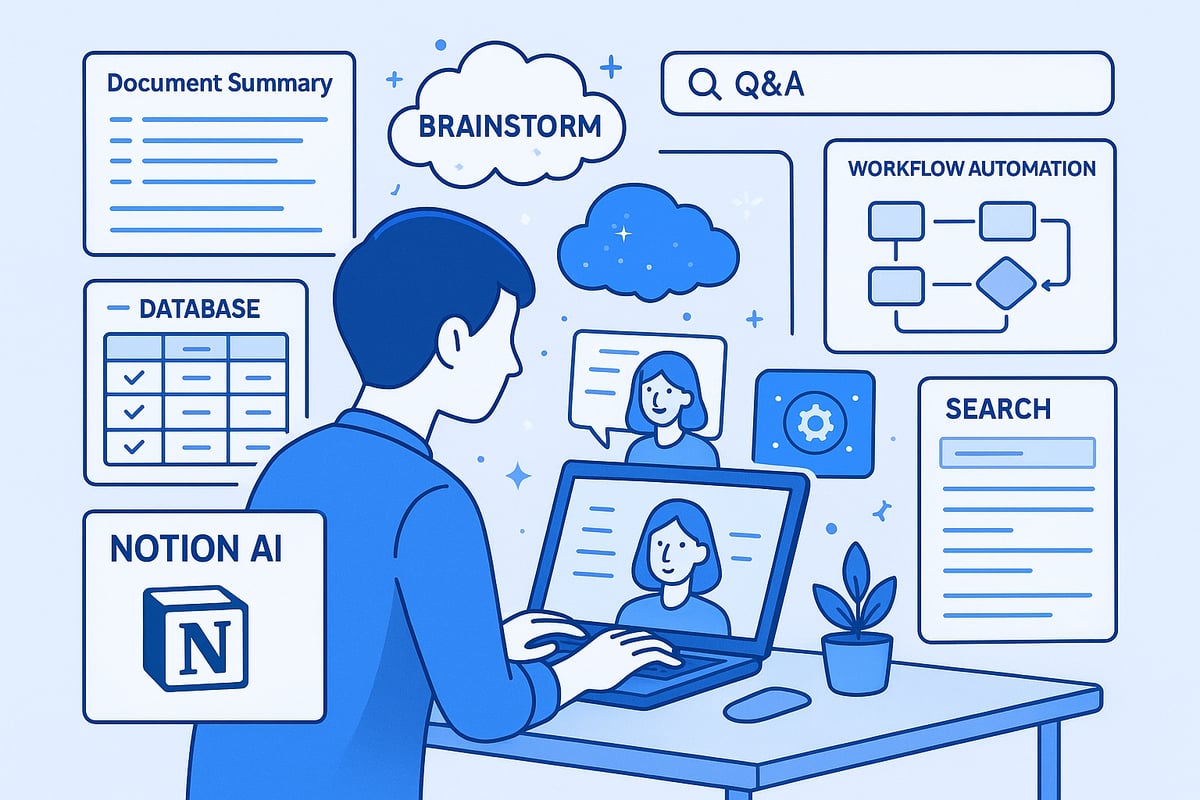
The Writing Assistant is among the most popular Notion AI features, offering advanced text generation, rewriting, and translation capabilities. Users can draft blog posts, convert technical documents into accessible language, and translate content for global teams—all within the same workspace.
With contextual awareness, the Writing Assistant adapts output to your organization's style and previous documents. For example, you can create a project proposal in several languages with just one click, ensuring a consistent tone and format across regions.
Benefits:
Saves 60-80% of writing time
Ensures consistency across communications
Supports seamless global collaboration
Use Cases:
Drafting marketing materials
Translating onboarding guides
Rewriting technical content for broader audiences
Pros: Fast, contextually accurate content creation
Cons: Sensitive or nuanced topics still require human review
This Notion AI feature is especially valuable for content creators, marketers, and remote teams seeking efficiency and clarity.
2. Document Summarization and Content Analysis
Among the most transformative Notion AI features is document summarization. This tool condenses meeting notes, research papers, and project pages into structured summaries, highlighting key decisions, action points, and critical insights.
Users benefit from 85-95% accuracy in extracting main points, based on recent competitor statistics. For instance, lengthy meeting transcripts can be distilled into actionable summaries, allowing teams to focus on outcomes rather than information overload.
Benefits:
Accelerates decision-making
Reduces manual summarization efforts
Enhances knowledge sharing
Use Cases:
Synthesizing research findings
Summarizing client meetings
Creating executive briefs
Pros: Saves hours on documentation
Cons: May miss subtle details in highly technical content
Project managers, researchers, and executive teams find this Notion AI feature essential for staying informed and organized.
3. AI Database Properties: Smart Autofill and Contextual Suggestions
AI Database Properties are a standout among Notion AI features, introducing intelligent autofill, keyword extraction, tagging, and translation within databases. Teams can automatically categorize tasks, summarize project statuses, and generate consistent tags for knowledge bases.
For example, the AI can autofill progress fields based on recent updates or comments, streamlining database maintenance. These properties learn from historical patterns, improving accuracy over time and reducing manual data entry.
Benefits:
Streamlines data management
Ensures data consistency
Enhances database searchability
Use Cases:
Categorizing support tickets
Summarizing project milestones
Translating knowledge base entries
Pros: Reduces manual work, increases reliability
Cons: Initial setup and training may be necessary
For those interested in mastering advanced database functions, the Notion Synced Databases Guide offers practical insights that complement these Notion AI features. Data organizers, project leads, and operations managers will especially appreciate the efficiency gains.
4. Q&A Assistant: Instant Workspace Knowledge Retrieval
The Q&A Assistant is one of the most intuitive Notion AI features, enabling users to retrieve information from their workspace using natural language. Simply ask, “What are the deliverables for Project Z?” or “Who authored the last quarterly report?” and receive immediate, context-aware answers.
This feature is invaluable for reducing time spent searching. Teams report up to a 50% reduction in information retrieval times compared to manual searches. The Q&A Assistant respects workspace permissions, ensuring that sensitive data remains secure.
Benefits:
Streamlines information discovery
Empowers all team members
Improves onboarding speed
Use Cases:
Locating key project milestones
Identifying document owners
Retrieving policy details
Pros: Fast, permission-aware responses
Cons: Effectiveness depends on content quality and organization
All knowledge workers, from new hires to support teams, benefit from this Notion AI feature’s speed and simplicity.
5. Content Generation and Brainstorming Tools
Creativity thrives with the right support, and Notion AI features include powerful brainstorming and content generation tools. These tools help users develop ideas, outlines, and creative solutions directly within the workspace.
Imagine generating multiple article outlines, campaign concepts, or alternative product strategies with just a prompt. The AI leverages previous campaign data or existing documents to suggest relevant approaches, breaking creative blocks and accelerating the ideation process.
Benefits:
Fosters team engagement
Accelerates creative output
Integrates directly into planning workflows
Use Cases:
Campaign brainstorming
Product launch strategy
Content calendar creation
Pros: Inspires new ideas, saves time
Cons: May need strong prompts for best results
Marketing teams, product managers, and content strategists will find these Notion AI features invaluable for sparking fresh ideas.
6. Productivity and Workflow Automation
Automation is at the core of next-generation Notion AI features. Automated project timelines, task dependencies, recurring documentation, and progress reports reduce administrative overhead and keep teams focused on high-value work.
For example, AI can suggest resource allocations based on workload trends or auto-generate project plans from brainstorming sessions. Teams leveraging workflow automation report a 40-50% productivity boost compared to manual processes.
Benefits:
Keeps projects on track
Minimizes bottlenecks
Improves project visibility
Use Cases:
Status update automation
Resource planning
Recurring task management
Pros: Deep integration with project management tools
Cons: Some learning curve for advanced setups
Project managers, team leads, and operations coordinators will appreciate how these Notion AI features streamline complex workflows.
7. Enhanced Search and Knowledge Management
The final core group of Notion AI features centers on advanced search and knowledge management. Natural language search, cross-database queries, and AI-generated FAQ sections make information retrieval faster and more accurate.
Instead of sifting through countless pages, users can search “Show me all client feedback from Q1 2025” and receive a curated summary. The AI prioritizes recent and relevant content, reducing information silos and supporting faster onboarding.
Benefits:
Boosts knowledge sharing
Supports scalable documentation
Improves onboarding efficiency
Use Cases:
Building FAQ sections
Surfacing related documents
Organizing team knowledge bases
Pros: Contextual, relevant results
Cons: Relies on quality of existing content organization
HR teams, onboarding managers, and cross-functional groups rely on these Notion AI features to maintain a well-organized, accessible knowledge hub.
Comparison Table: Notion AI Features at a Glance
Feature | Core Capability | Main Benefit | Best For |
|---|---|---|---|
Writing Assistant | Generate, rewrite, translate | Time savings, consistency | Content creators |
Document Summarization | Summarize/Analyze | Quick insights, clarity | Managers, researchers |
AI Database Properties | Autofill, tagging | Data consistency, speed | Ops, data organizers |
Q&A Assistant | Natural language retrieval | Fast answers, onboarding | All teams |
Content Generation/Brainstorm | Creative idea generation | Team engagement, creativity | Marketers, PMs |
Workflow Automation | Auto timelines, reporting | Productivity boost | Project leads |
Enhanced Search/Knowledge Mgmt | Contextual search, FAQ | Knowledge sharing | HR, onboarding |
The evolution of Notion AI features in 2025 is transforming workspaces into intelligent, integrated environments. By harnessing these seven capabilities, users gain a competitive edge—working smarter, not harder.
Best Practices for Maximizing Notion AI Features
Integrating notion ai features into your daily workflow requires both strategic planning and ongoing optimization. By following a set of proven best practices, you ensure these tools deliver consistent value and measurable results for your team or organization.
Setting Up for Success
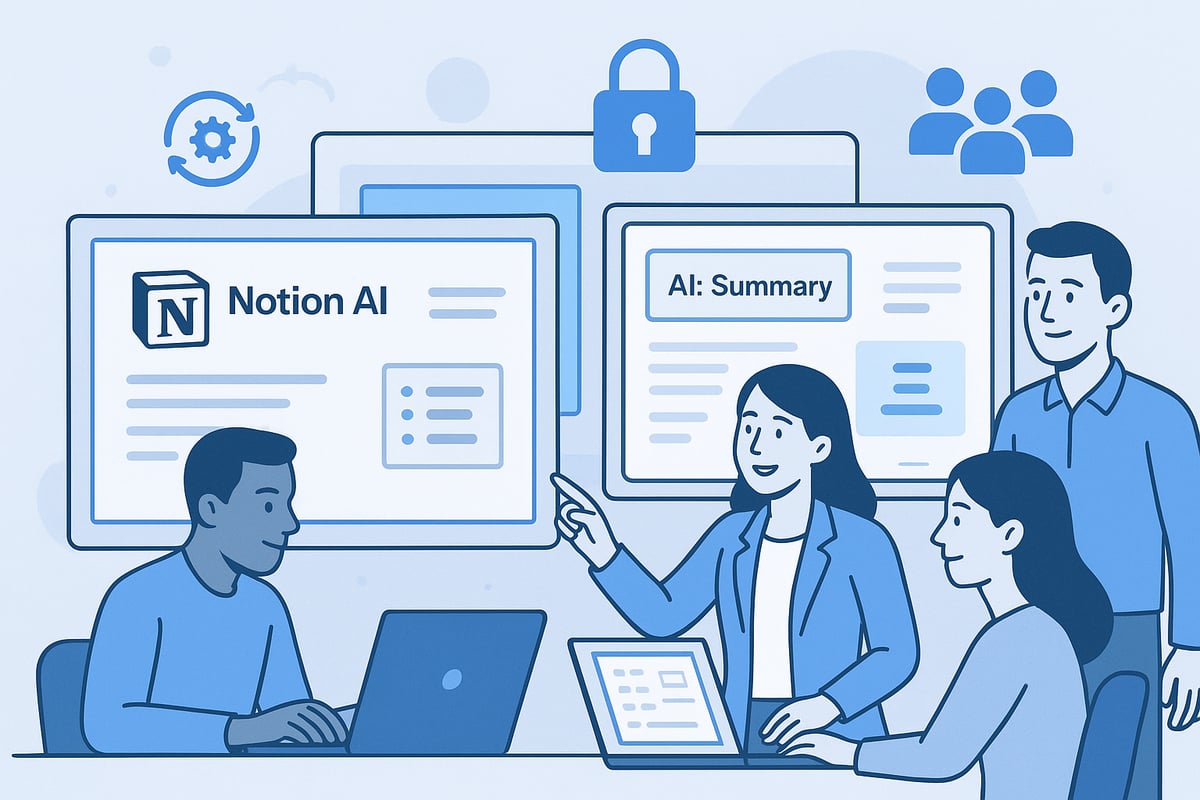
Start by organizing your workspace for clarity and efficiency. Clear page hierarchies, consistent naming conventions, and well-structured databases make it easier for notion ai features to deliver relevant insights.
Consider reviewing How to Use Notion Effectively for actionable tips on layout, templates, and workspace design. The more intentional your setup, the better the AI can analyze patterns and provide tailored recommendations.
Use dedicated pages for projects and meeting notes
Standardize database properties for easy automation
Archive outdated content to reduce clutter
Combining AI with Human Expertise
Leverage notion ai features as a starting point, not a final solution. AI-generated content excels at drafts, summaries, and data suggestions, but human oversight ensures accuracy and nuance.
Encourage team members to review, edit, and personalize AI outputs. This collaboration results in higher-quality content and better alignment with your organization’s voice and standards.
Assign team leads to review sensitive AI-generated documents
Use AI to draft reports, then refine with expert input
Schedule regular feedback sessions to improve AI adoption
Training and Customization
To unlock the full potential of notion ai features, train your team on prompt crafting and template customization. Tailored prompts yield more relevant results, while customized templates streamline recurring processes.
Host workshops or share guides on effective AI usage. Regularly update templates and prompts to reflect evolving project needs and team preferences.
Create a shared library of successful prompts
Customize templates for department-specific workflows
Encourage ongoing learning and experimentation
Ensuring Data Privacy and Security
Prioritize privacy when deploying notion ai features, especially for sensitive or confidential data. Use Notion’s permission controls to restrict access, and educate users on best practices for handling AI-generated content.
Review workspace sharing settings regularly. Limit AI access to only those pages and databases necessary for productivity.
Segment workspaces by team or department
Set granular permissions for sensitive projects
Audit access and AI activity logs periodically
Measuring ROI and Productivity Gains
Track the impact of notion ai features by measuring time saved, output quality, and team satisfaction. Before full adoption, benchmark current workflows to create a baseline for comparison.
Collect feedback from users and analyze productivity metrics. Use these insights to identify further opportunities for optimization and ensure ongoing alignment with organizational goals.
Monitor AI usage statistics within Notion
Survey teams about workflow improvements
Adjust configurations to address bottlenecks or pain points
Real-World Examples: How Teams Are Using Notion AI in 2025
Professionals across industries are already seeing the impact of Notion AI features in their daily workflows. By integrating advanced AI into collaborative environments, teams unlock new levels of efficiency, creativity, and knowledge sharing. Here are four real-world examples highlighting how Notion AI features are driving results in 2025.
Marketing Team Launching a New Product
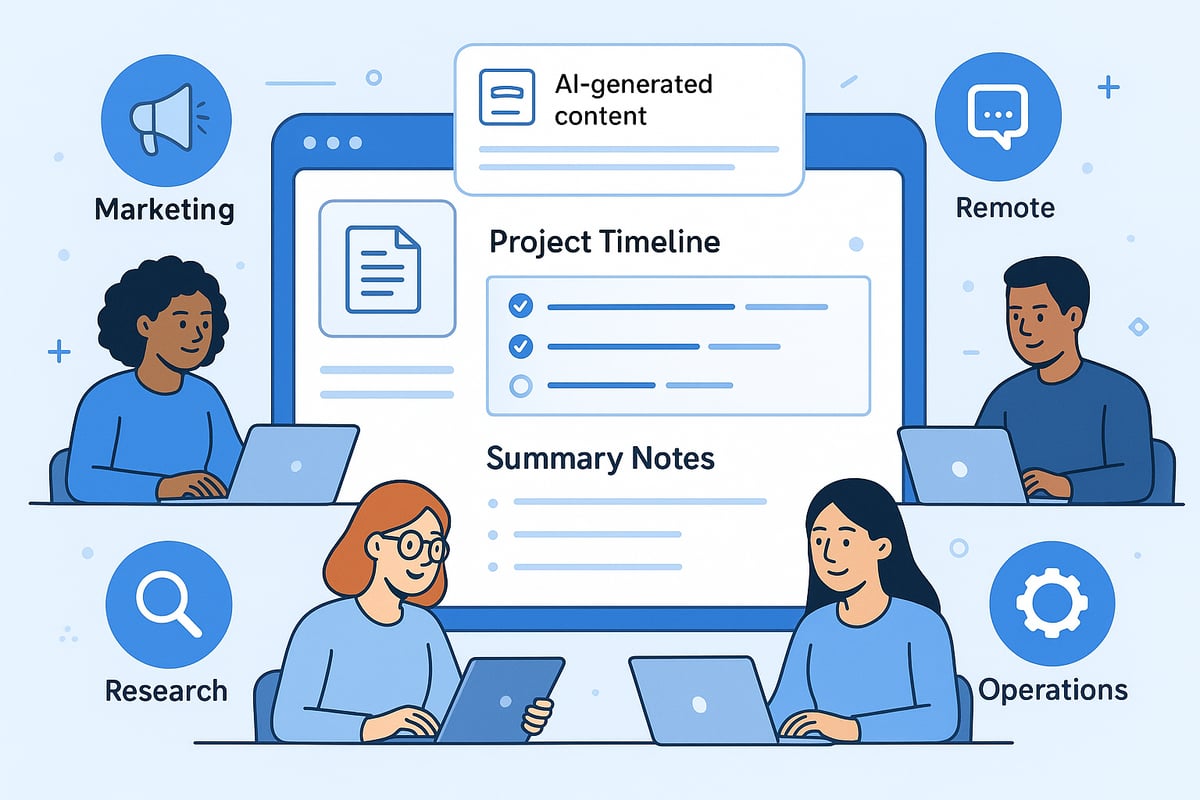
A global marketing team leverages Notion AI features to brainstorm campaign strategies, generate creative briefs, and outline product launch timelines. The team uses AI to summarize competitor research, synthesize insights, and automate reporting for stakeholders. With multilingual content generation, they quickly adapt messaging for international markets. These capabilities boost creative output and help marketing professionals focus on strategy instead of manual documentation.
Remote Team Collaboration
Remote teams rely on Notion AI features for seamless knowledge retrieval and efficient meetings. AI-powered Q&A tools allow members to instantly access project milestones or locate the owner of key documents. Meeting notes are summarized automatically, turning lengthy transcripts into actionable items. Onboarding becomes more efficient, as new hires receive AI-generated guides and FAQ sections tailored to their roles. This fosters collaboration and reduces information silos for distributed teams.
Academic and Research Teams
Academic and research groups use Notion AI features to manage and synthesize large volumes of data. The AI summarizes research articles, extracts key findings, and creates structured summaries for group discussions. Teams translate academic documents to collaborate with international partners. By reducing manual effort, researchers spend more time analyzing results and less on administrative tasks, making their collaboration more impactful.
Operations and Project Management
Operations teams streamline project documentation and recurring workflows with Notion AI features. Automated progress reports and smart autofill properties keep databases current without manual updates. Managers use AI to generate status updates and allocate resources based on real-time data. For a deeper dive into these capabilities, explore this Notion for Project Management guide, which outlines practical workflow automation strategies.
Teams using Notion AI features report 30 to 70 percent reductions in manual documentation time, improved knowledge sharing, and faster onboarding. These measurable outcomes highlight how advanced AI integration is transforming productivity, fostering cross-functional collaboration, and setting a new standard for digital workspaces in 2025.
How to Get Started with Notion AI in 2025
Getting started with notion ai features is straightforward, but access is currently available to Business and Enterprise plan users, with limited trials offered to select accounts as Notion continues to roll out new capabilities.
To enable these features, visit your workspace settings, select the AI section, and toggle on the options that best fit your team's needs. You can then experiment with writing assistance, database automation, or knowledge management.
When deciding which notion ai features to use, consider your daily workflow and prioritize tools that address your biggest productivity challenges.
For optimal results, organize your workspace effectively; resources like the Notion Dashboard Templates Overview can help you structure pages and databases for seamless AI integration.
Embrace these advancements early to gain a competitive edge, accelerate your workflow, and stay ahead in the evolving world of digital productivity.
As you’ve seen, Notion AI’s powerful new features can truly transform how you organize, create, and collaborate in 2025. Whether you’re looking to save time on daily tasks, streamline your workflows, or boost your team’s efficiency, the right tools make all the difference. If you’re ready to put these insights into action and want expertly crafted solutions tailored to your needs, I encourage you to Discover Notion Templates. Explore templates designed to help you unlock the full potential of Notion AI and elevate your productivity this year.